Scam cleanup case study
Suspicious Food Formula app and Chrome browser hijacker cleanup
This Windows laptop came in after suspicious browser behaviour and warning pages started appearing. The job was to remove obvious unwanted software, clean up Chrome, and make the computer safer to use again after the customer had been concerned about scams and banking access.
What was happening
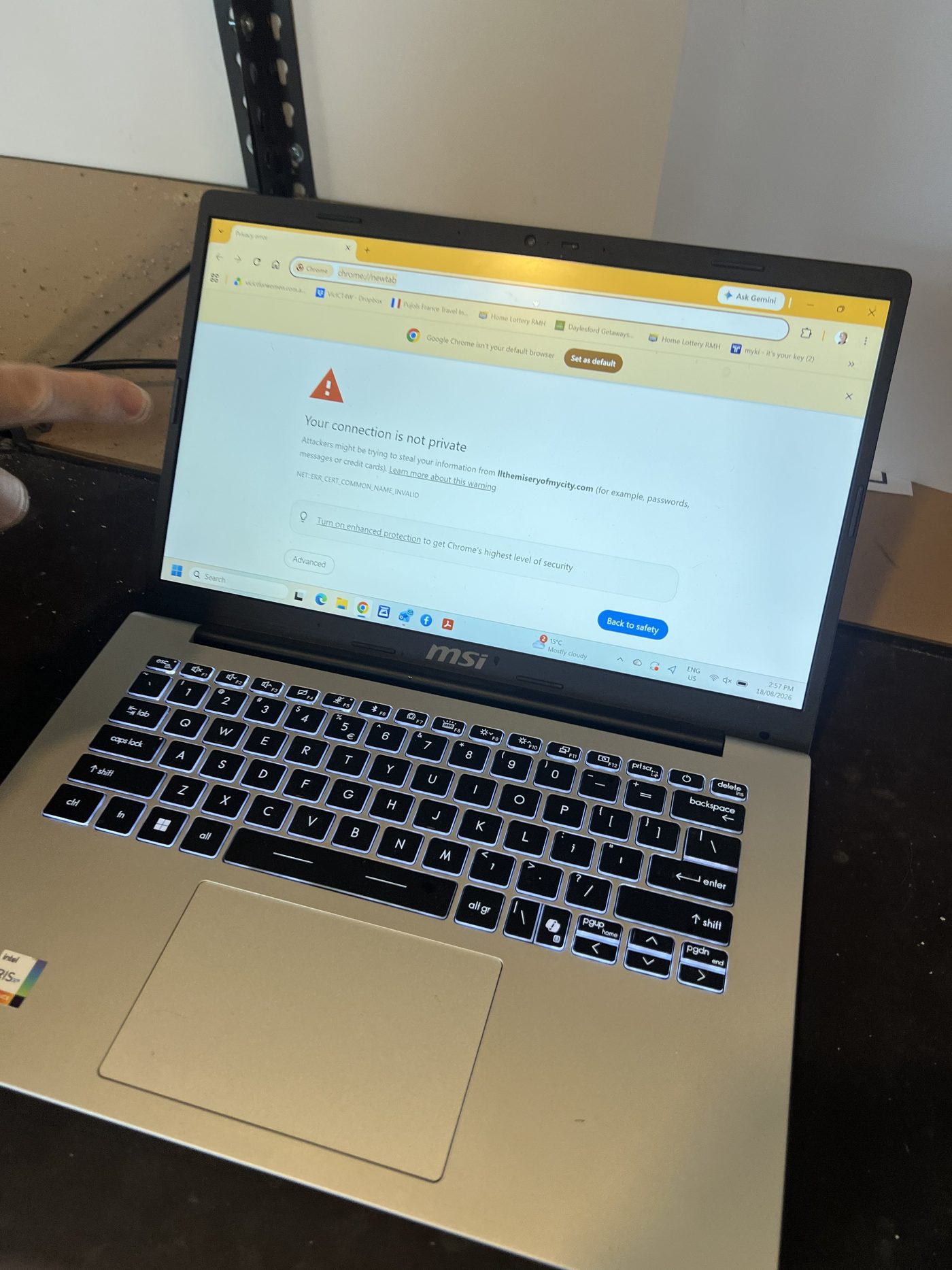
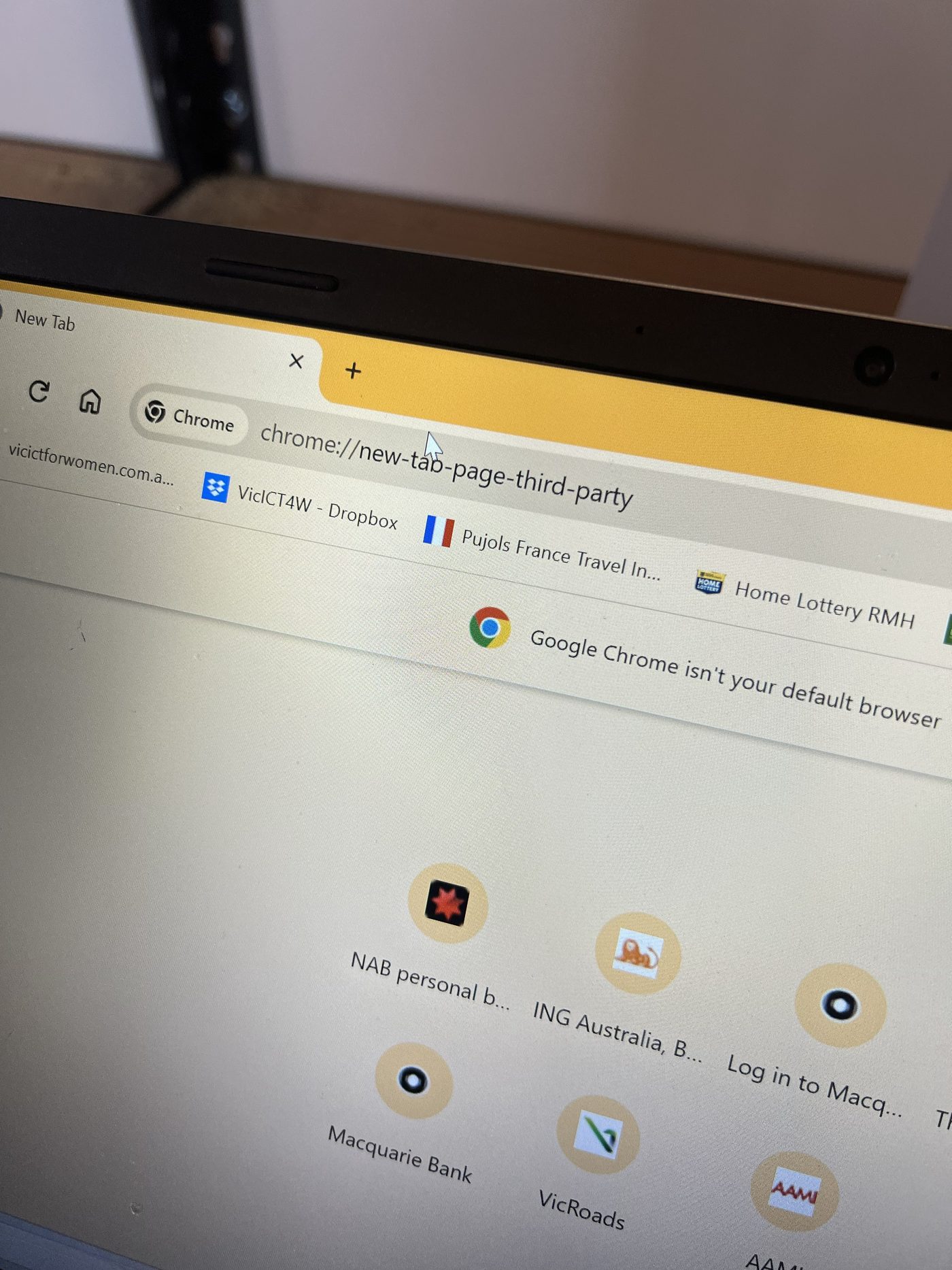
The first visible symptom was Chrome behaving strangely. The browser was not just opening a normal new tab page. It was showing third party new tab behaviour and redirecting towards pages that produced browser warnings.
That kind of behaviour is common with browser modifiers, potentially unwanted apps, and scam cleanup jobs. The important part is not to assume it is only a browser setting. It needs to be checked alongside installed apps, downloads, startup items, extensions, and Windows Security history.
Suspicious files and installed apps
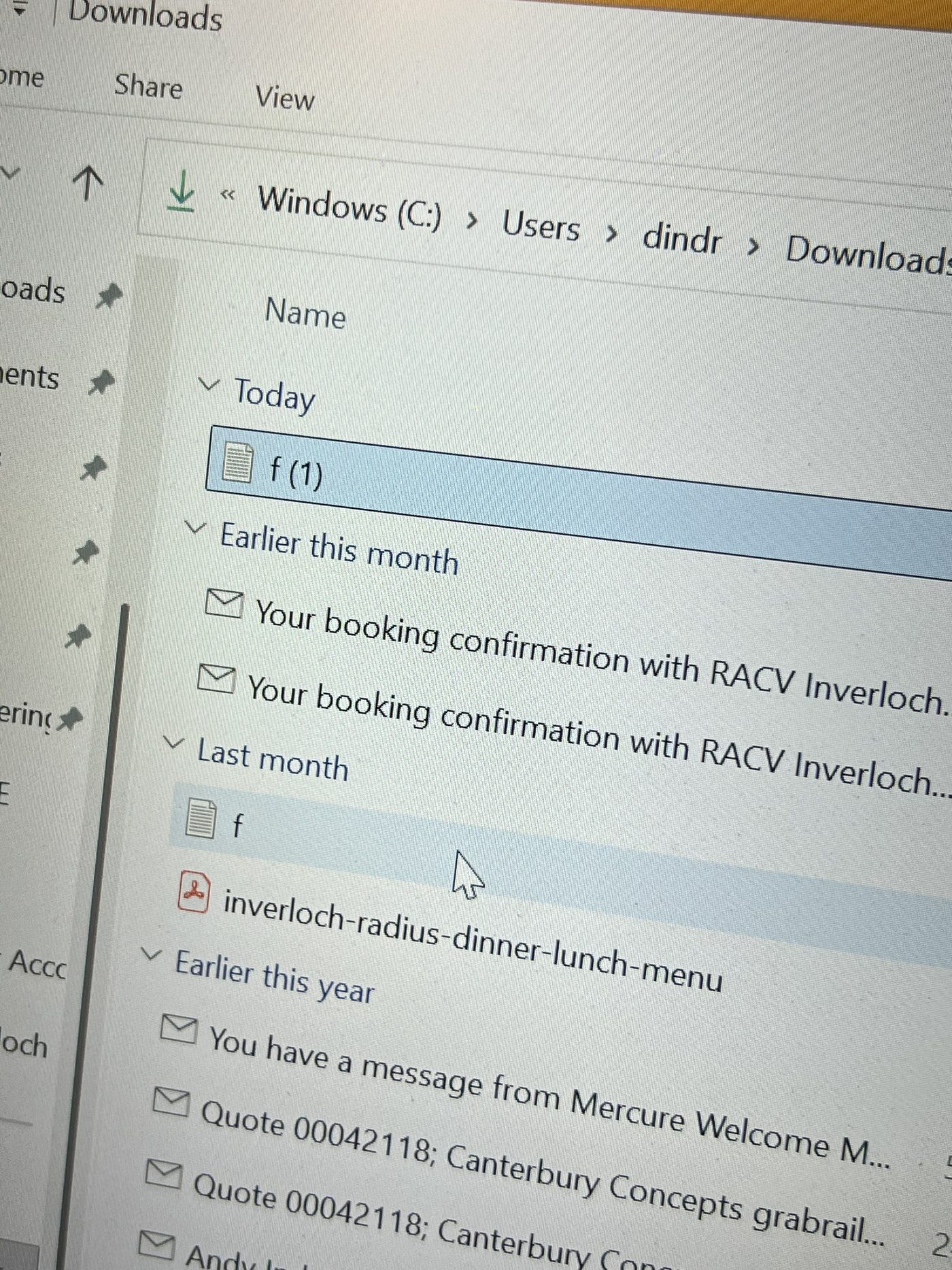
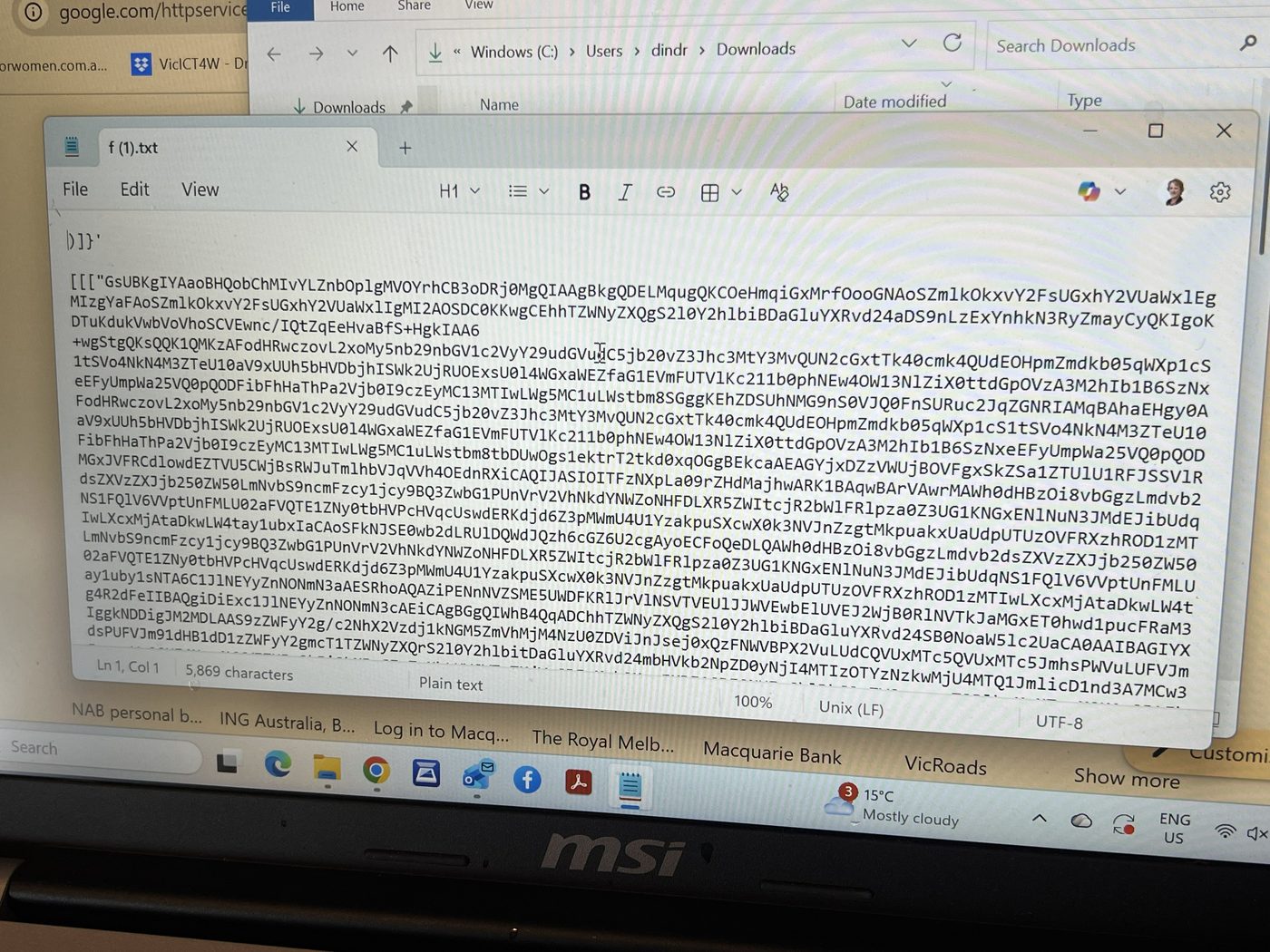
The Downloads folder contained suspicious files with short, generic names. One of the files contained a long block of encoded looking text rather than normal document content. That was treated as suspicious and not something to open or run.
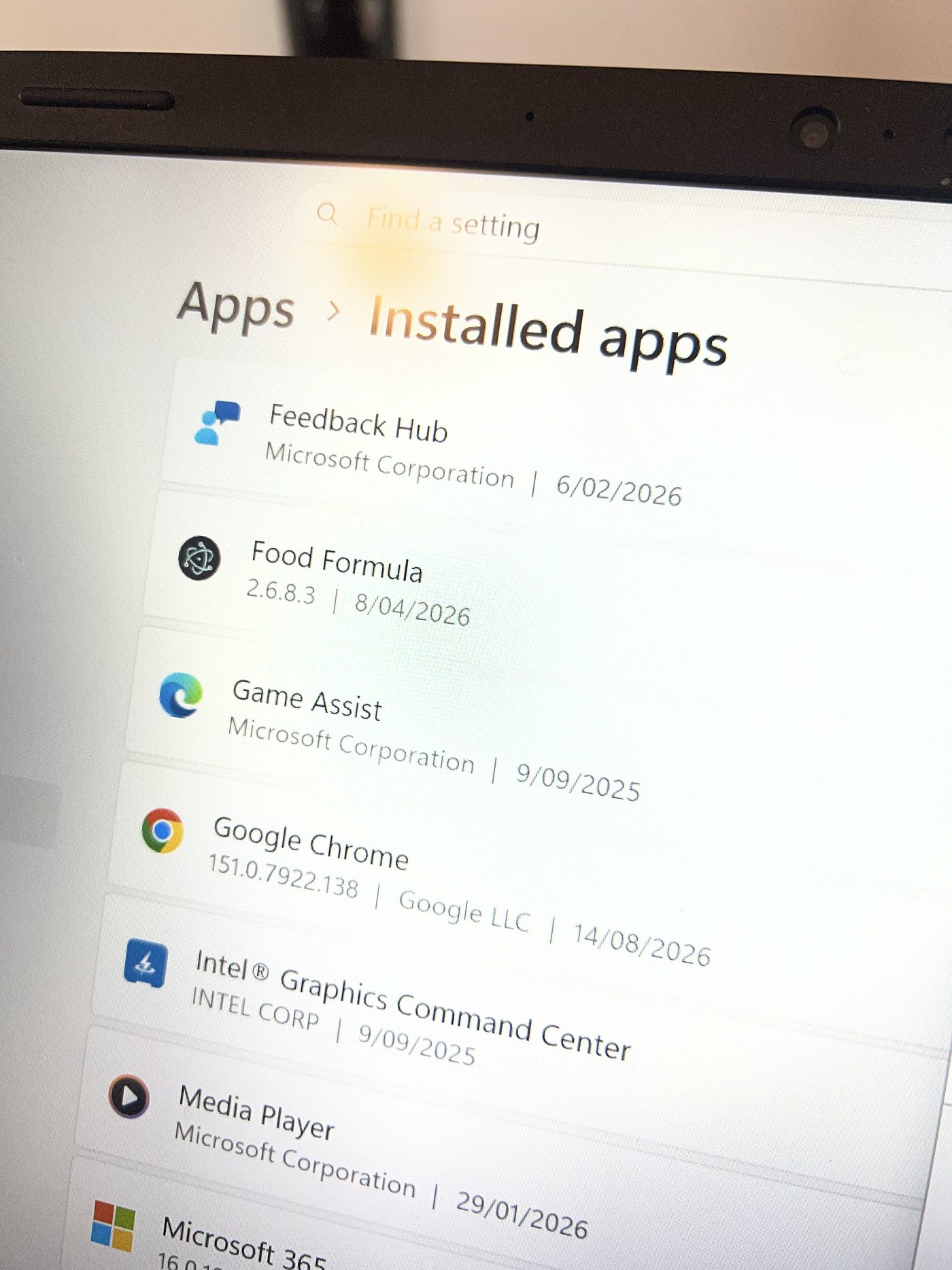
The installed apps list also showed an app named Food Formula. That matched the later Windows Security detection path and gave a clear lead for what needed to be removed.
Windows Security detection
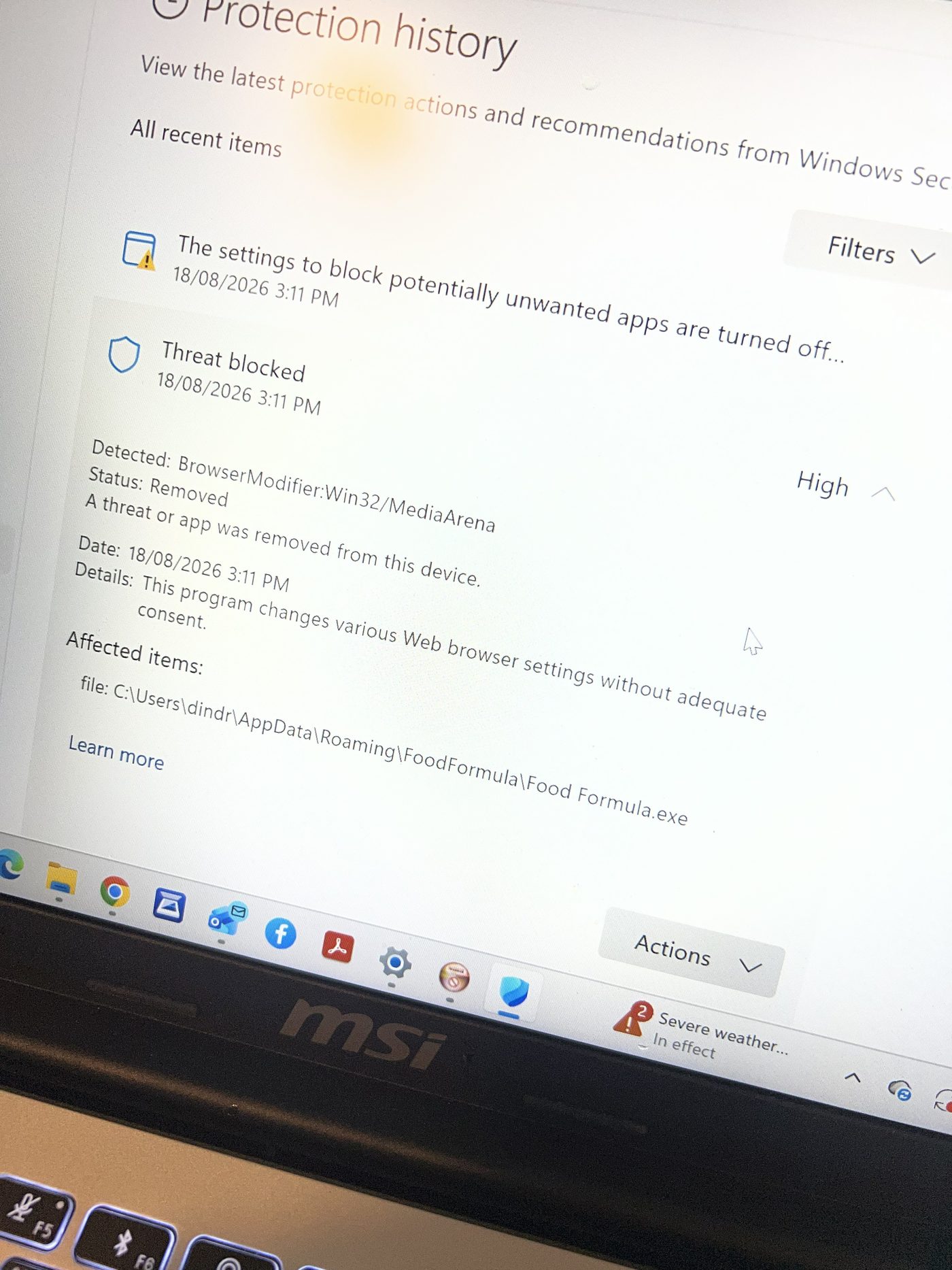
Windows Security had recorded a high severity browser modifier detection: BrowserModifier:Win32/MediaArena. The status was shown as removed.
The affected item pointed back to the Food Formula application data folder, which lined up with the suspicious app found in the installed apps list.
Cleanup performed
The cleanup focused on removing the unwanted software and putting the browser back into a predictable state. With scam-related jobs, the aim is to reduce risk and remove obvious persistence points without asking the customer for banking passwords or sensitive account details.
- Removed the suspicious Food Formula app.
- Checked Downloads for suspicious files.
- Reviewed Chrome startup, search, and new tab behaviour.
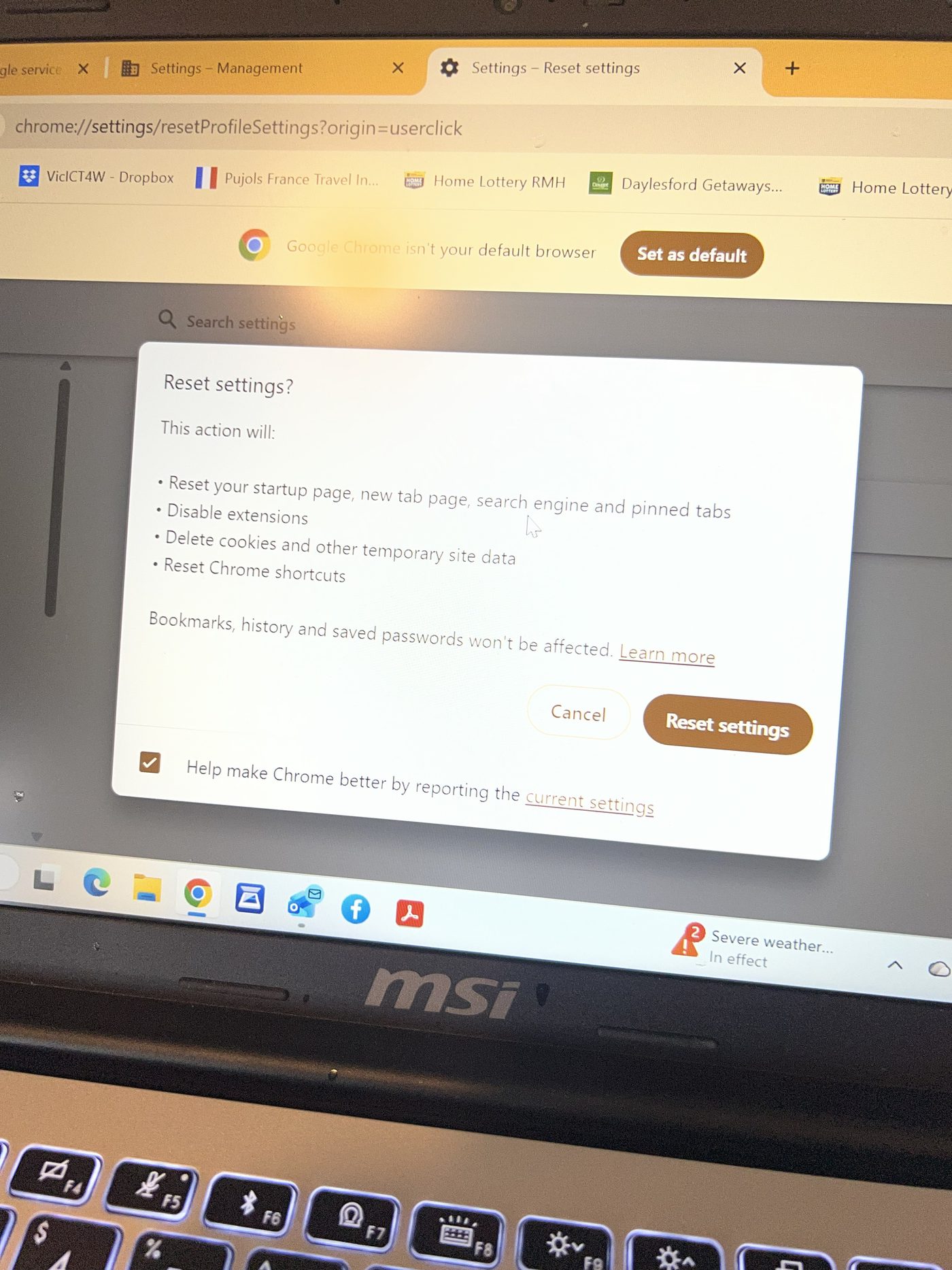
- Reset Chrome settings and disabled unwanted changes.
- Checked Windows Security protection history.
- Looked for obvious remote access or scam-related tools.
Advice after a scam cleanup
Cleaning the computer is only one part of the process. If someone has been scammed, had remote access installed, or has been sent by their bank for a computer check, the account side matters too.
After this type of cleanup, the customer should change important passwords from a known clean device, enable multi-factor authentication where possible, monitor bank accounts, and follow any instructions from their bank or financial institution.
Result
The suspicious app was removed, Chrome was reset, and the obvious browser modifier behaviour was cleaned up. The computer was then in a much better state for the customer to continue working through the banking and account security steps.