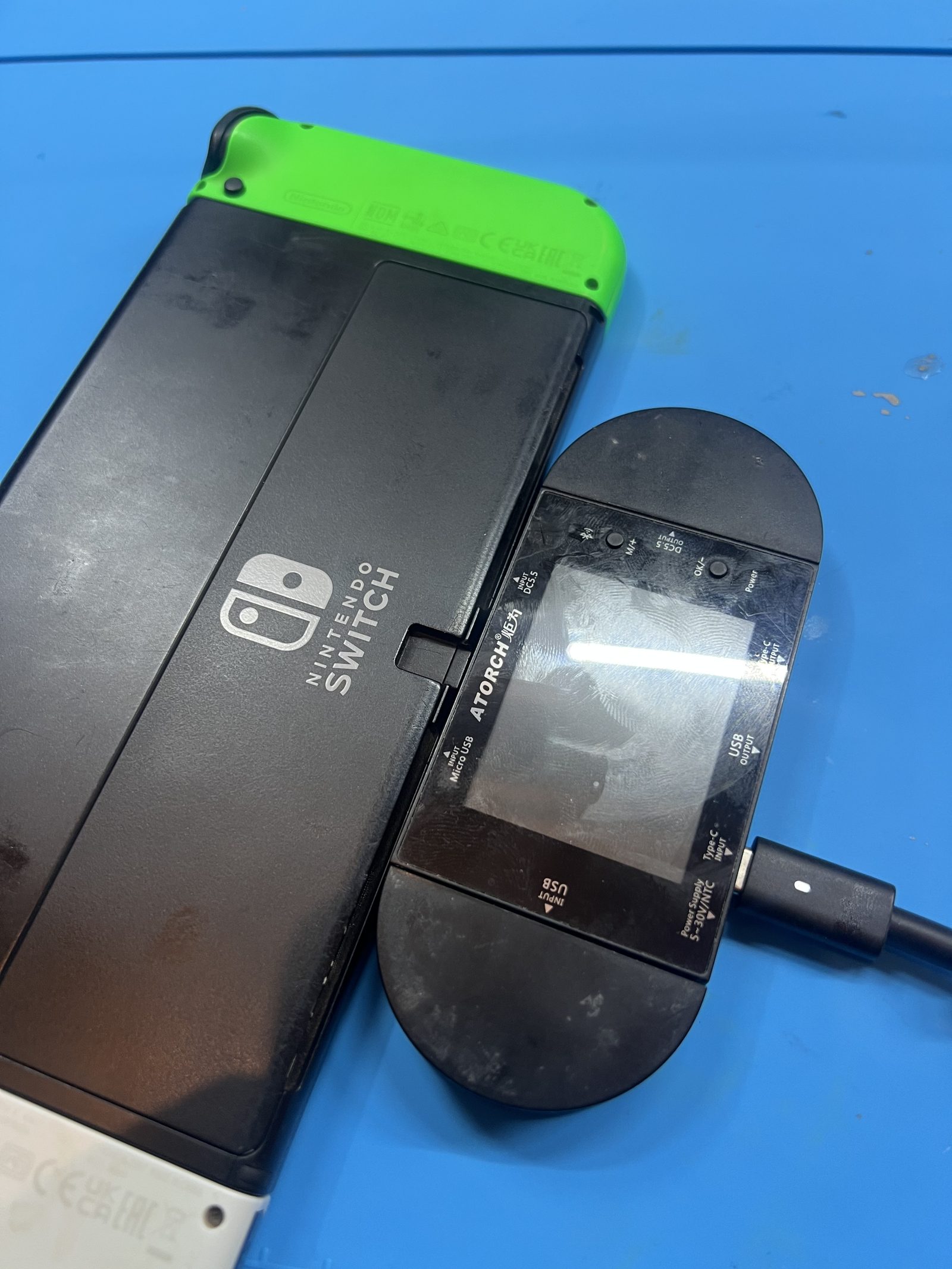
Nintendo repair job
Nintendo Switch OLED not charging: diagnosing error 2101-0001 and a faulty M92T36
This Nintendo Switch OLED came in as Repair Lab task #1597 with a charging fault. The USB-C port looked suspicious at first, but the diagnosis eventually pointed to the M92T36 USB-C / Power Delivery circuitry instead.
Initial symptoms
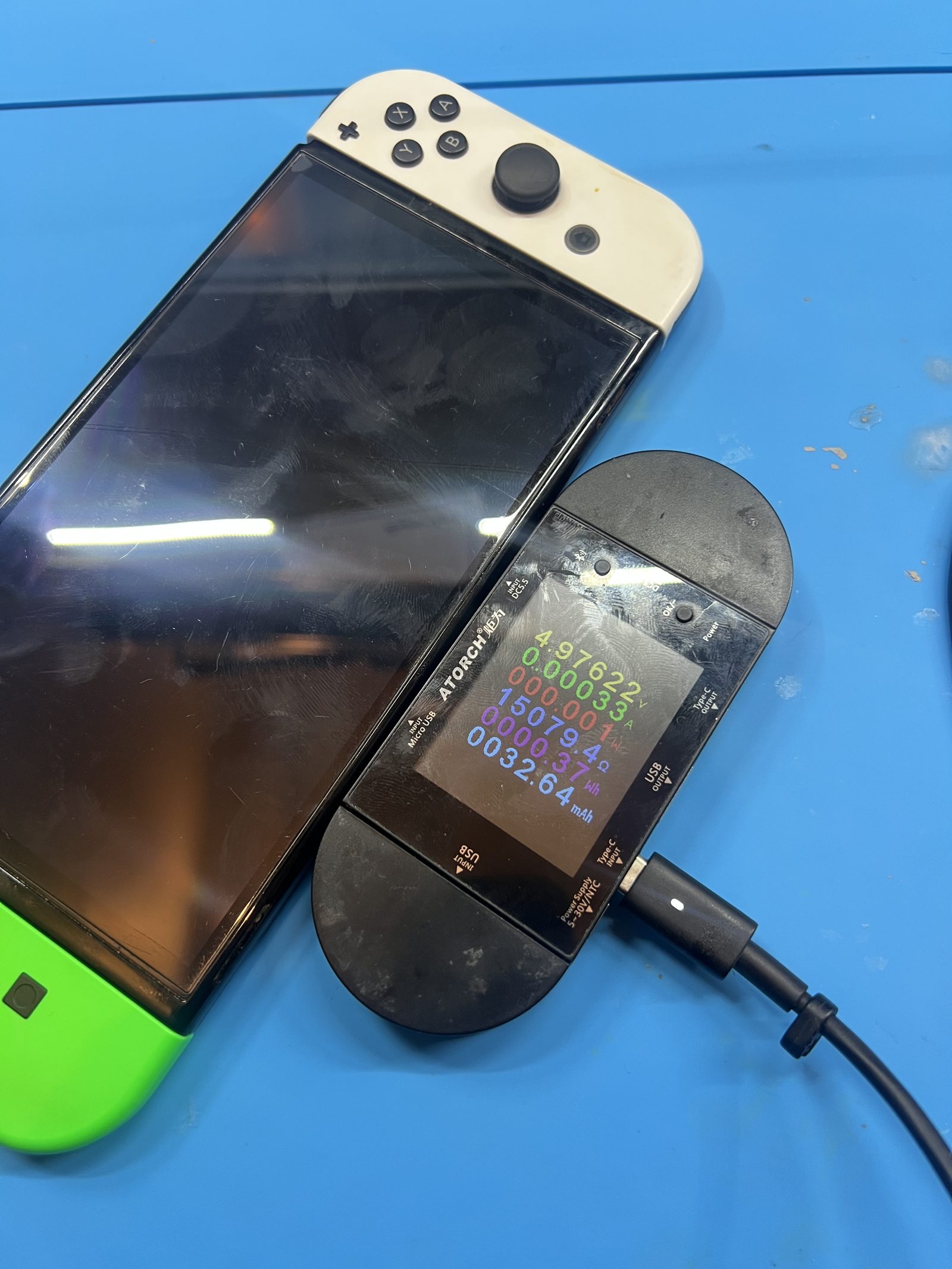
The console would not charge normally over USB-C. When connected through a USB-C power meter, it initially sat at about 5 V and 30-33 mA.
VBUS was present, but the Switch was not progressing into normal charging or USB-C Power Delivery negotiation. That made the USB-C CC lines the first area to investigate.
Testing the USB-C connection
I connected a USB-C port tester and checked the connector in both orientations. In the first orientation, the readings were roughly:
- CC1
- 0.487 V
- CC2
- GND
After reversing the Type-C connection, the result changed sides:
- CC1
- GND
- CC2
- 0.489 V
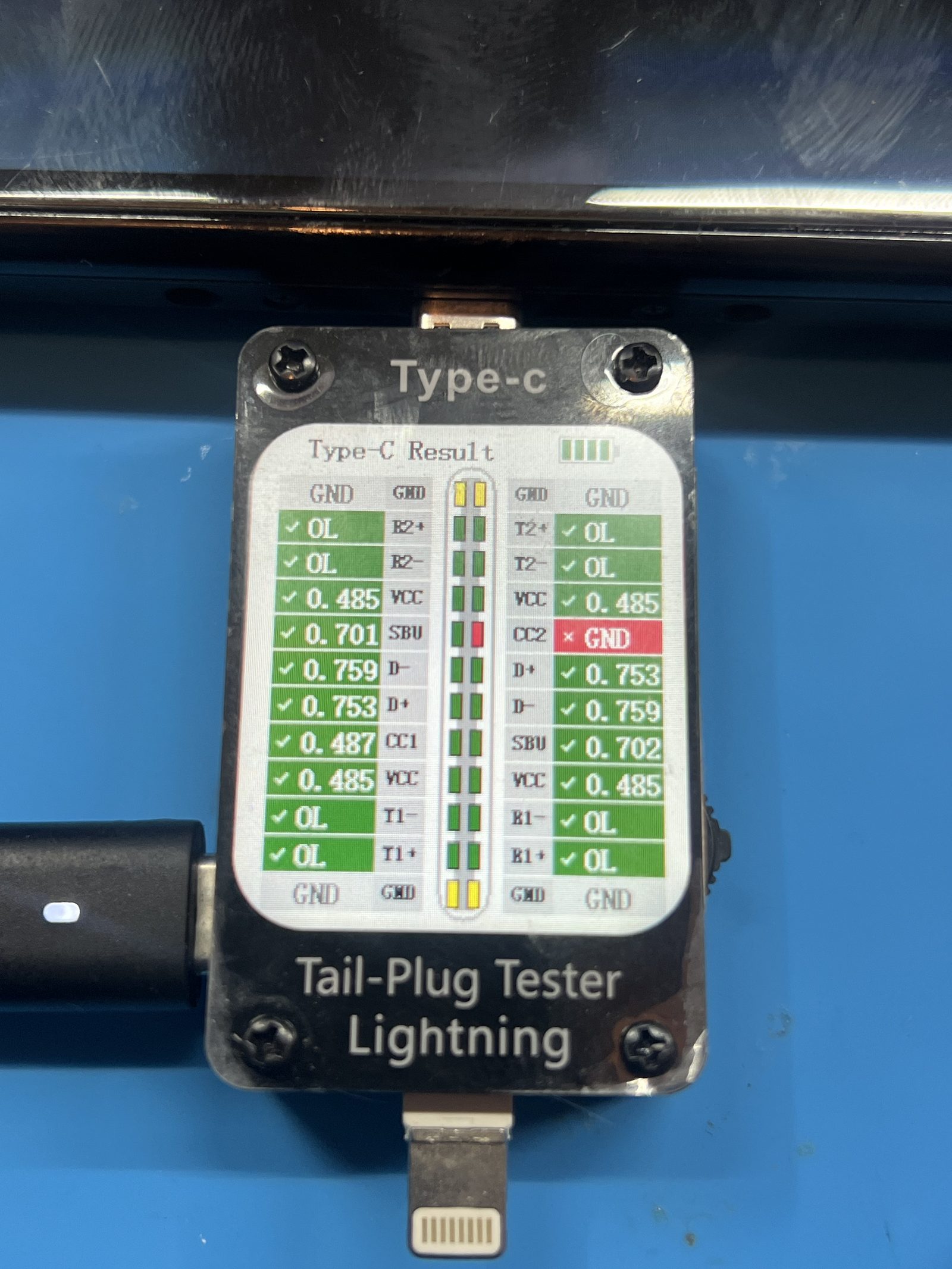
That gave me a real electrical fault to follow. It also meant I did not want to immediately replace the USB-C port just because it was the common failure.
Powering the motherboard directly
Before replacing the USB-C port, I wanted to know whether the rest of the console could operate. I connected a current-limited bench power supply to the battery connector and supplied about 4.2 V.
The Switch powered up, but instead of booting normally it displayed an error screen telling me to power the console off. After shutdown, the board briefly stopped responding and showed no current draw from the bench supply, which sent the diagnosis toward the main power circuitry for a while.
Checking the power rails
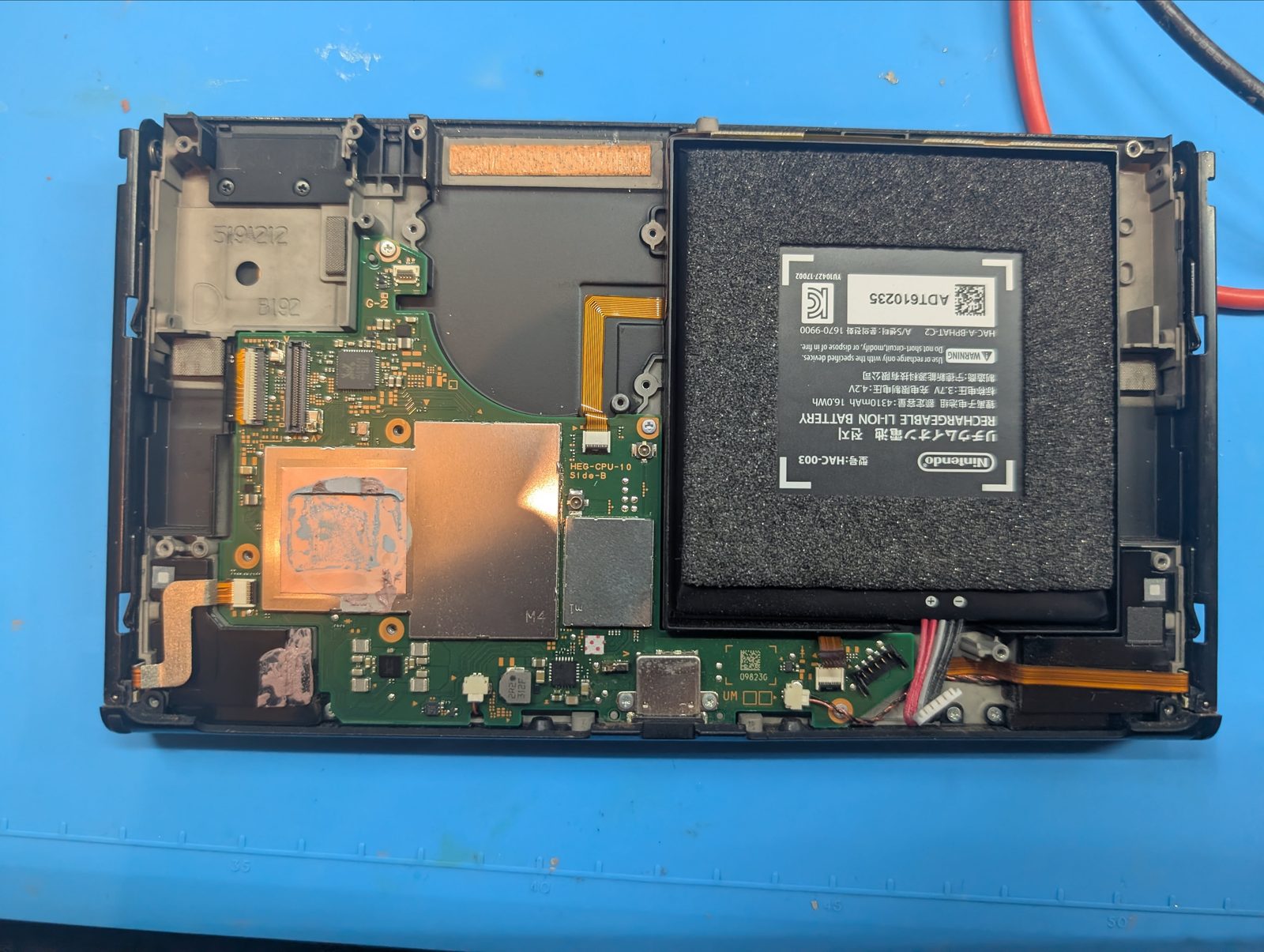
With the motherboard removed, I checked around the main power regulators and charging circuitry for obvious shorts. The main areas inspected were:
- MAX77812
- MAX77620H
- M92T36
Several rails had relatively low resistance readings, including values in the tens of ohms, but nothing provided convincing evidence of a hard short.
That part matters. A low resistance reading is not automatically a short circuit. Some low-voltage, high-current processor rails naturally measure low to ground, so I avoided removing components just because one rail looked low.
Eventually the motherboard began responding to the power button again and drew roughly 350-420 mA at 4.2 V from the bench supply. That proved the board could still start.
Error 2101-0001 gave the big clue
I connected enough of the console to get the OLED display working and powered the motherboard again. This time the console showed Error Code: 2101-0001.
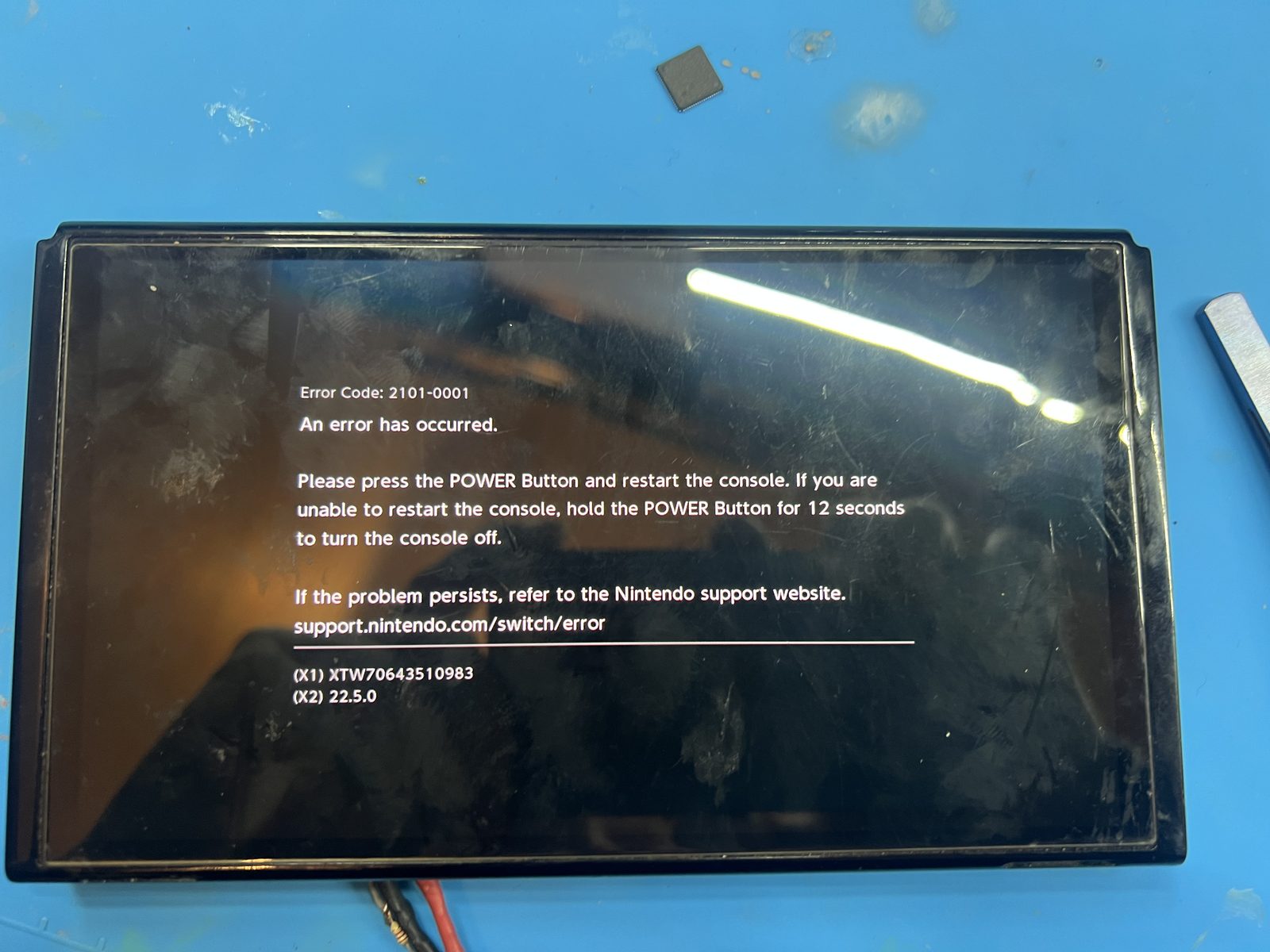
At that point, several observations were all pointing in the same direction:
- The Switch was not charging.
- USB-C stayed around 5 V with very little current.
- One CC path was behaving abnormally.
- The motherboard could boot from direct battery power.
- No convincing short was found on the main power rails.
- The console produced 2101-0001 when it did boot.
Rather than replacing the USB-C port first, I replaced M92T36.
Replacing M92T36
I removed the original M92T36 and installed a replacement. After the replacement, the Switch OLED booted fully to the Home Menu.
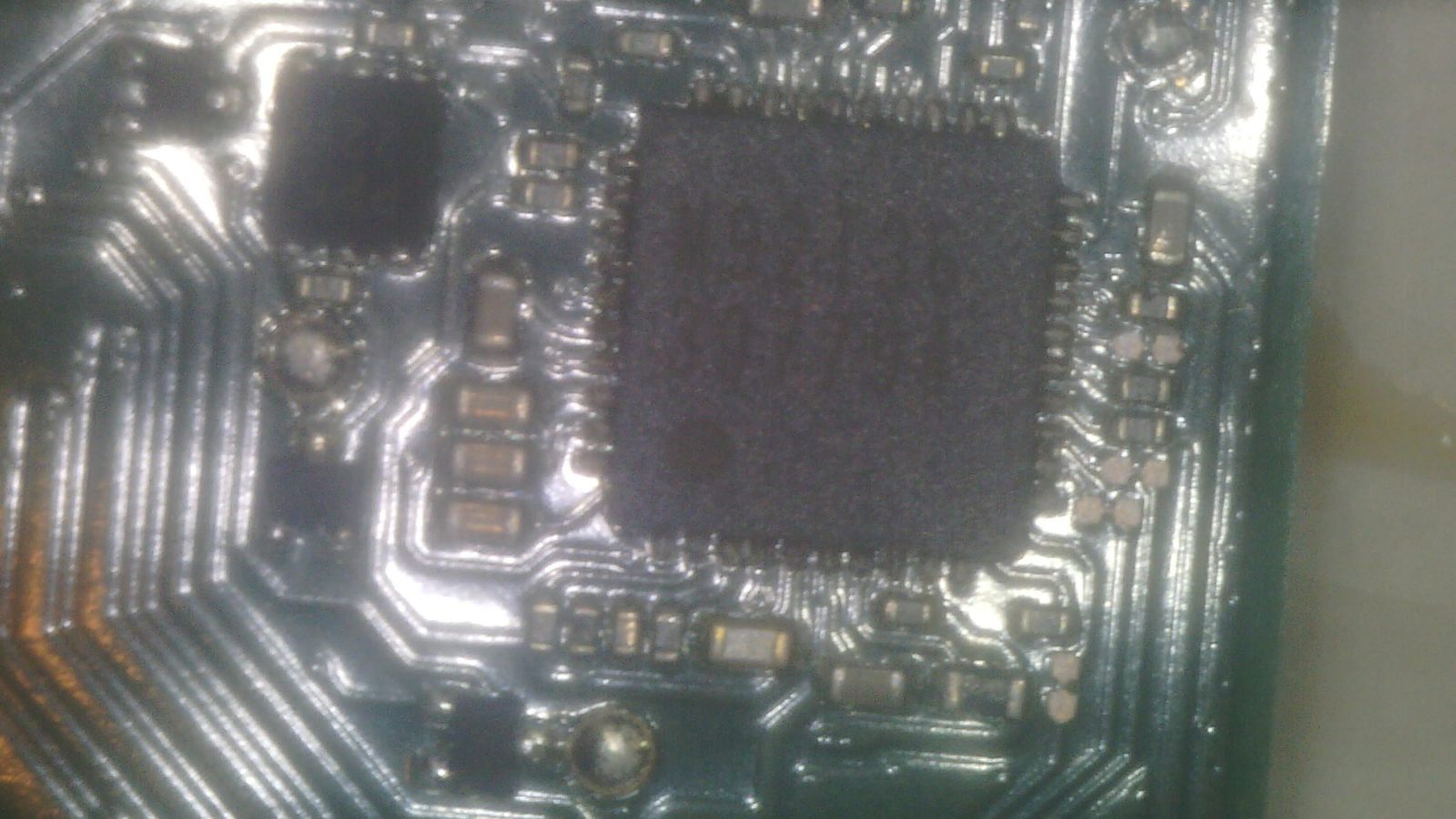
More importantly, the USB-C tester readings returned to normal. The previous CC-line fault was gone, and both CC connections now tested correctly.
That confirmed the abnormal CC readings had not been caused by the USB-C socket itself. The failed M92T36 had been affecting the USB-C interface. The battery was also extremely discharged, so I gave it some charge before final testing.
Final result
The Nintendo Switch OLED was successfully repaired by replacing the M92T36. The USB-C port did not need to be replaced.
- Device
- Nintendo Switch OLED
- Fault
- Not charging over USB-C
- Error code
- 2101-0001
- Diagnosis
- Abnormal USB-C CC behaviour and failed M92T36
- Repair
- M92T36 replacement
- Result
- Console booting and USB-C CC readings restored
What I took from this repair
The useful part of this job was not simply that M92T36 fixed it. It was the diagnostic process that got there.
A Nintendo Switch that is not charging can easily turn into an automatic USB-C port replacement. In this case, the electrical evidence told a better story. CC-line testing showed something was wrong with USB-C communication. Direct battery injection proved the motherboard could operate independently of USB-C charging. Power-rail checks did not reveal a convincing short. Finally, error 2101-0001 made M92T36 the more logical component to replace.
Replacing one component at a time also made the result meaningful: once M92T36 was replaced, the console booted normally and the abnormal CC readings returned to normal.
Measure first, follow the evidence, and replace the component the diagnosis points toward rather than automatically replacing the most common failure.
Job photos