PlayStation repair log
PS4 Slim disc drive repair: foreign object, failed laser and one mystery part
A PlayStation 4 Slim came into Repair Lab with a disc drive fault. The console was having trouble with discs, so the first step was to strip the optical drive down and inspect the loading mechanism.
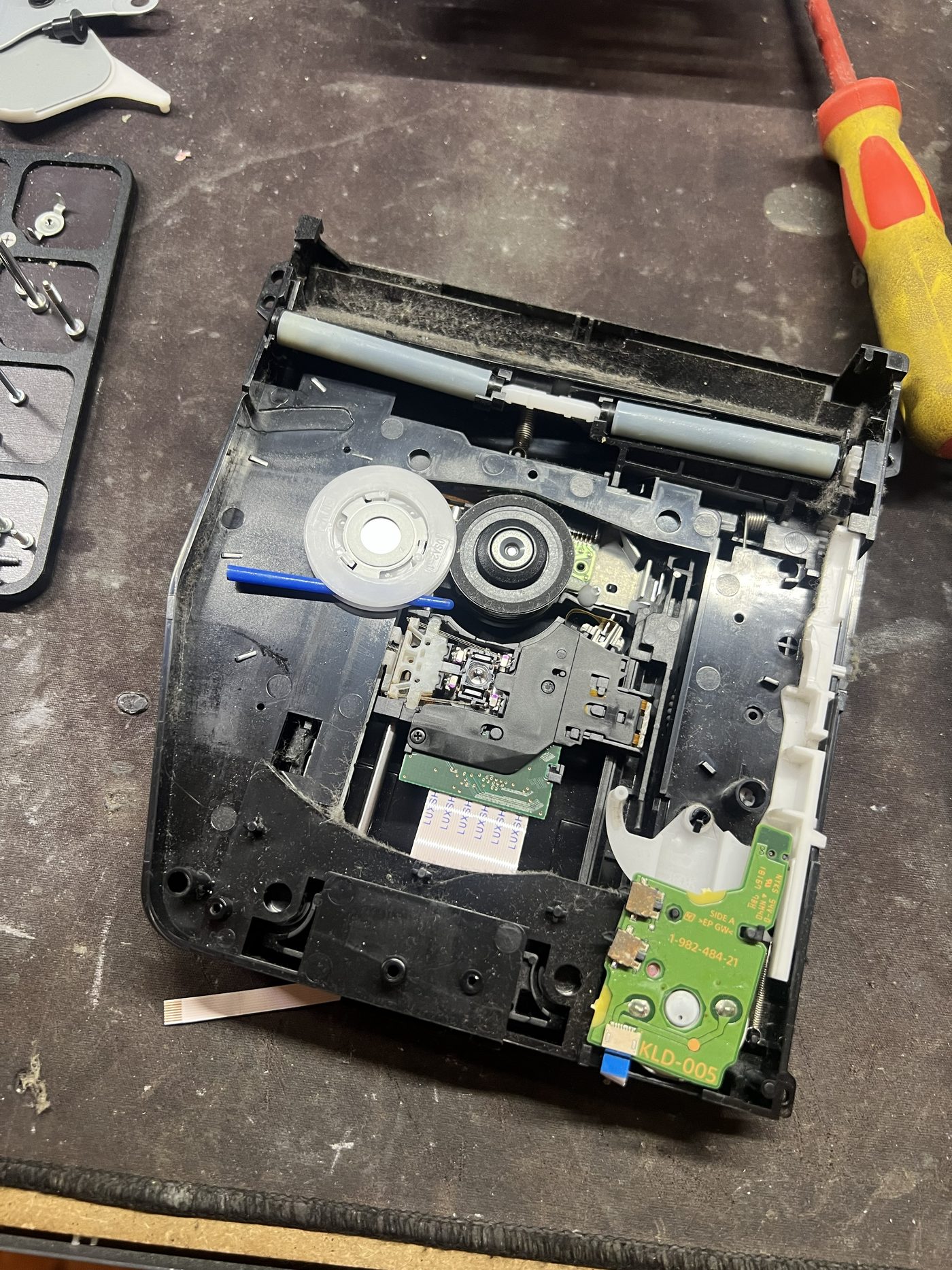
A foreign object inside the drive
Once the Blu-ray drive was opened, we found a foreign object lodged inside the mechanism. That immediately looked like a likely cause of the problem.
Anything loose inside an optical drive can interfere with the loading system, stop a disc from sitting correctly, or obstruct the laser assembly. The object was removed and the mechanism was inspected for damage.
Unfortunately, after reassembly and testing, the drive was still not operating correctly.
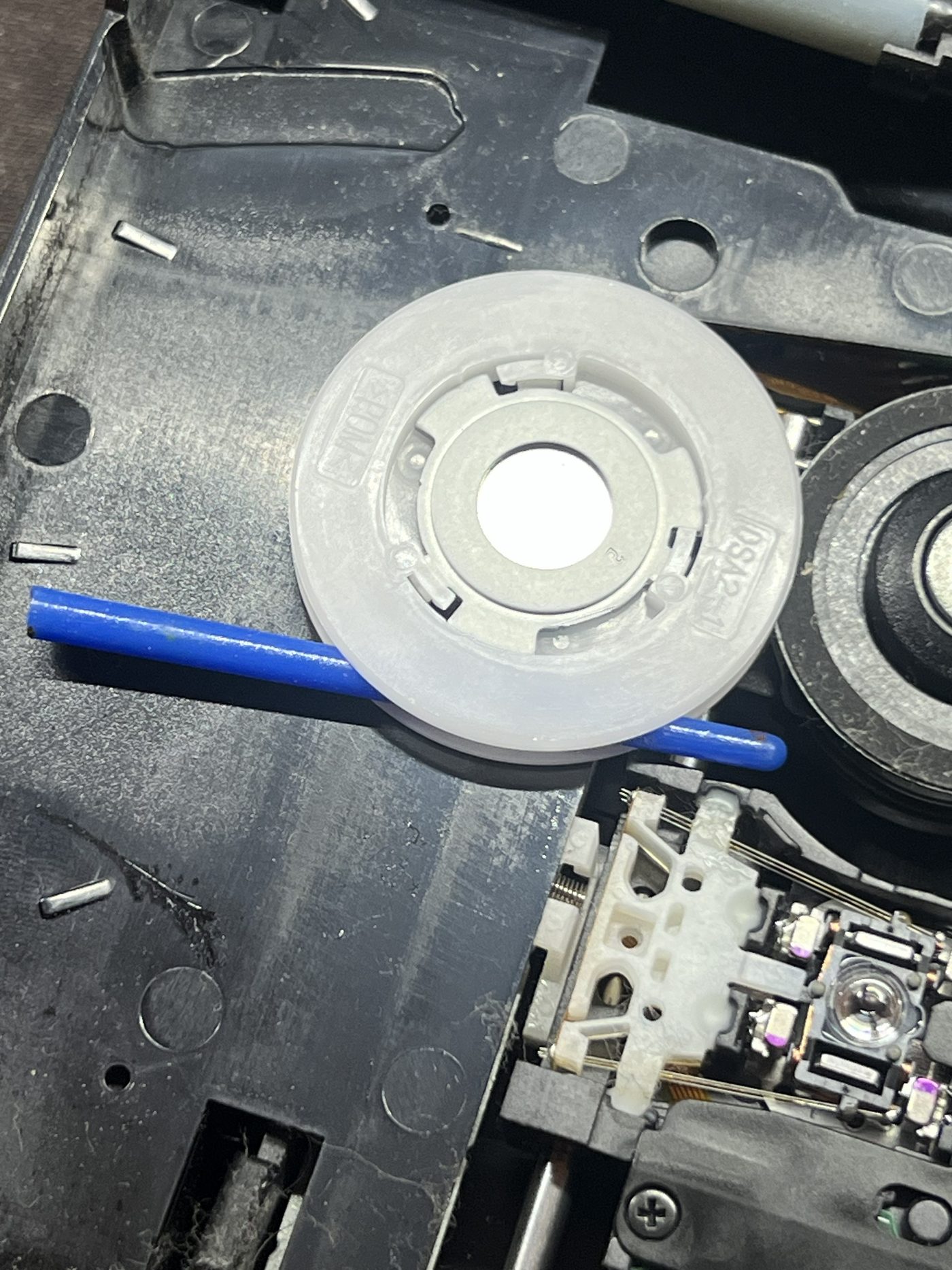
The laser module was also faulty
With the obstruction eliminated, further testing pointed towards the optical pickup itself. The PS4 Blu-ray drive uses a laser assembly to read discs, and these assemblies can eventually fail through normal wear, contamination, or deterioration of the laser itself.
In this case, removing the foreign object was not enough. The laser module had also failed, so the laser assembly was replaced and the drive was tested again.
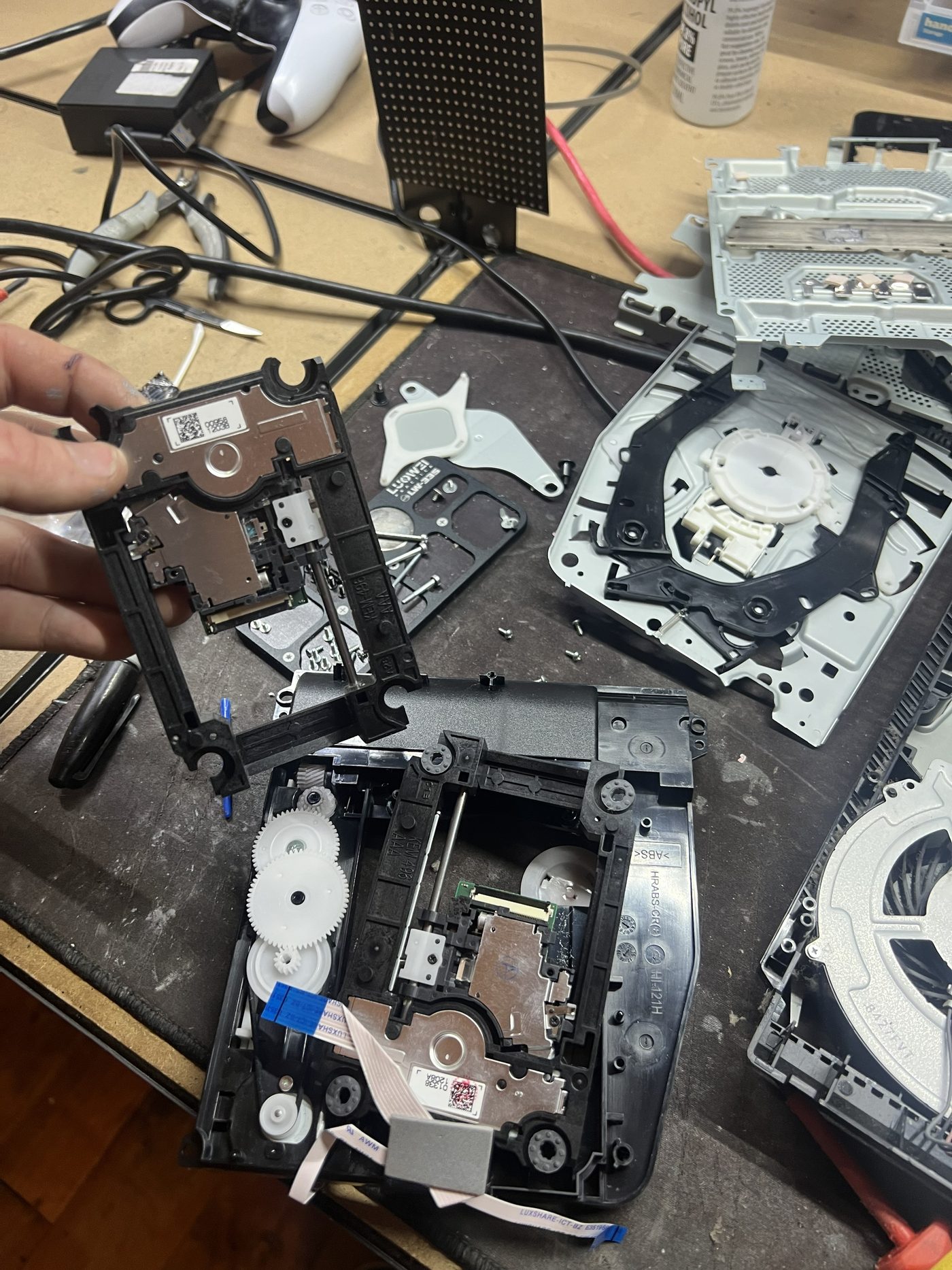
This time the console operated correctly, confirming the optical pickup had been the remaining fault.
The 30-minute mystery part
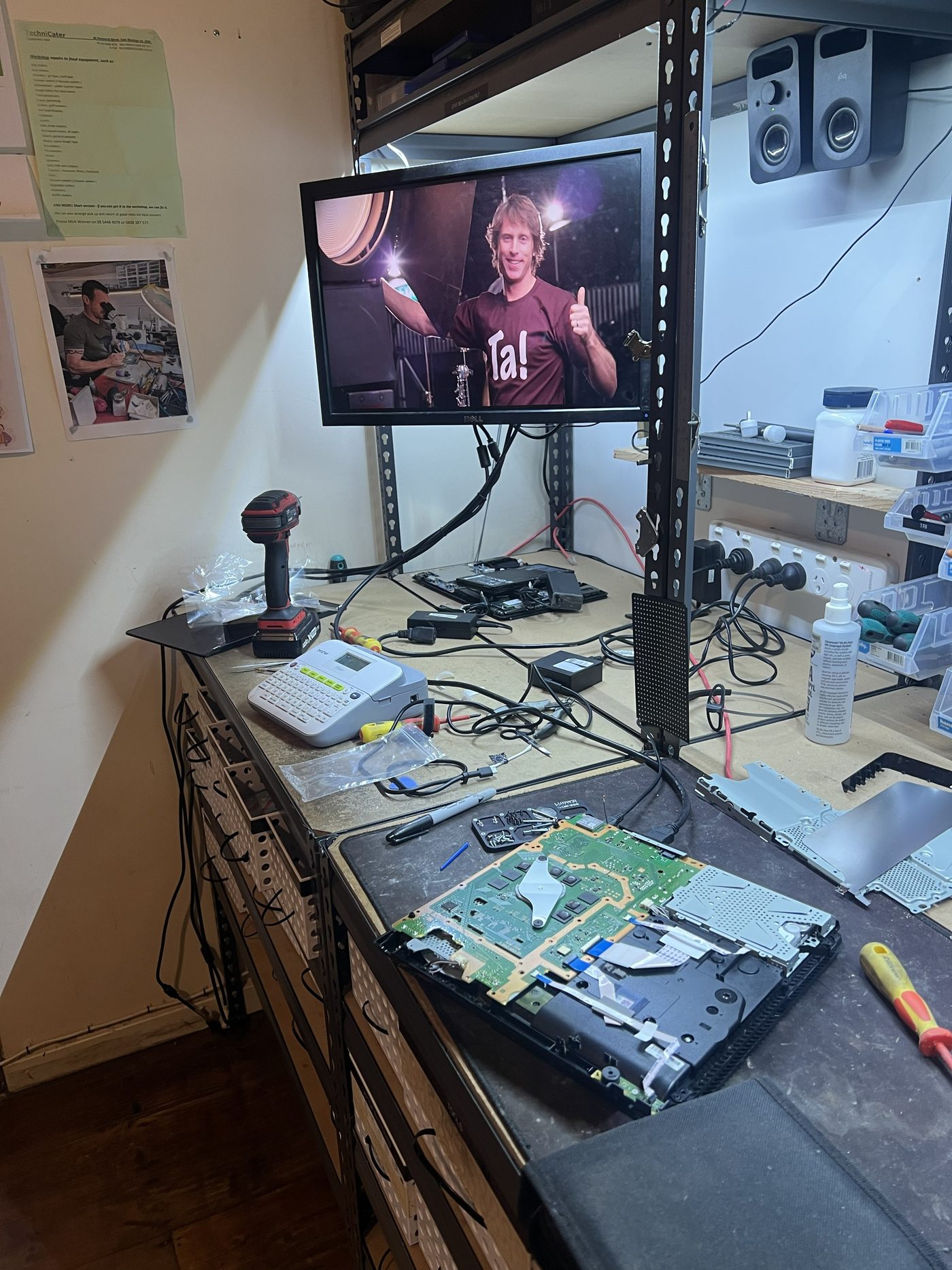
During the teardown, a small plastic-and-metal piece turned up loose on the bench. It was familiar, but because PS4s are not as common on the bench now, it took longer than it should have to place it.
After about 30 minutes, it was confirmed as part of the heatsink assembly.
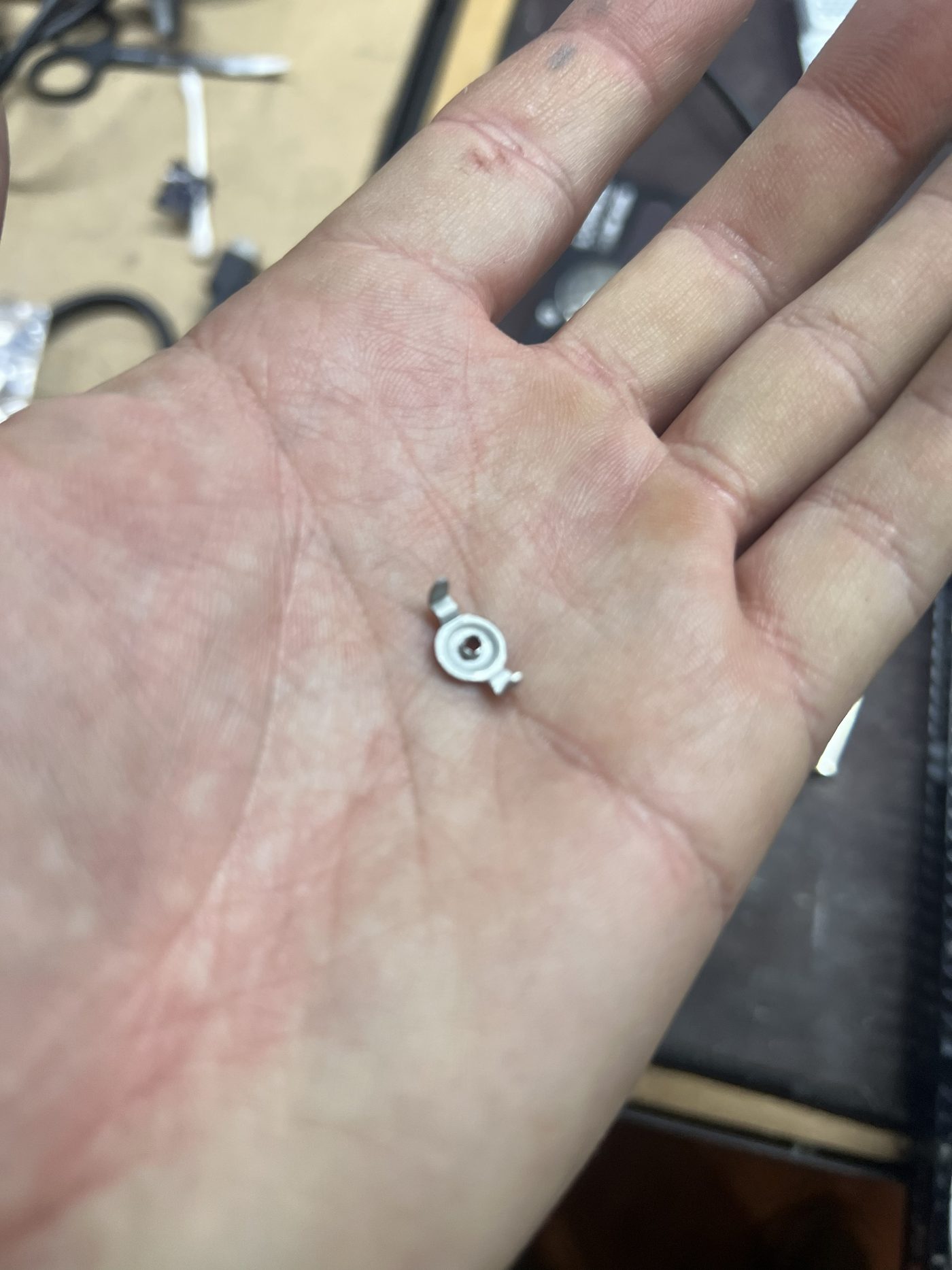
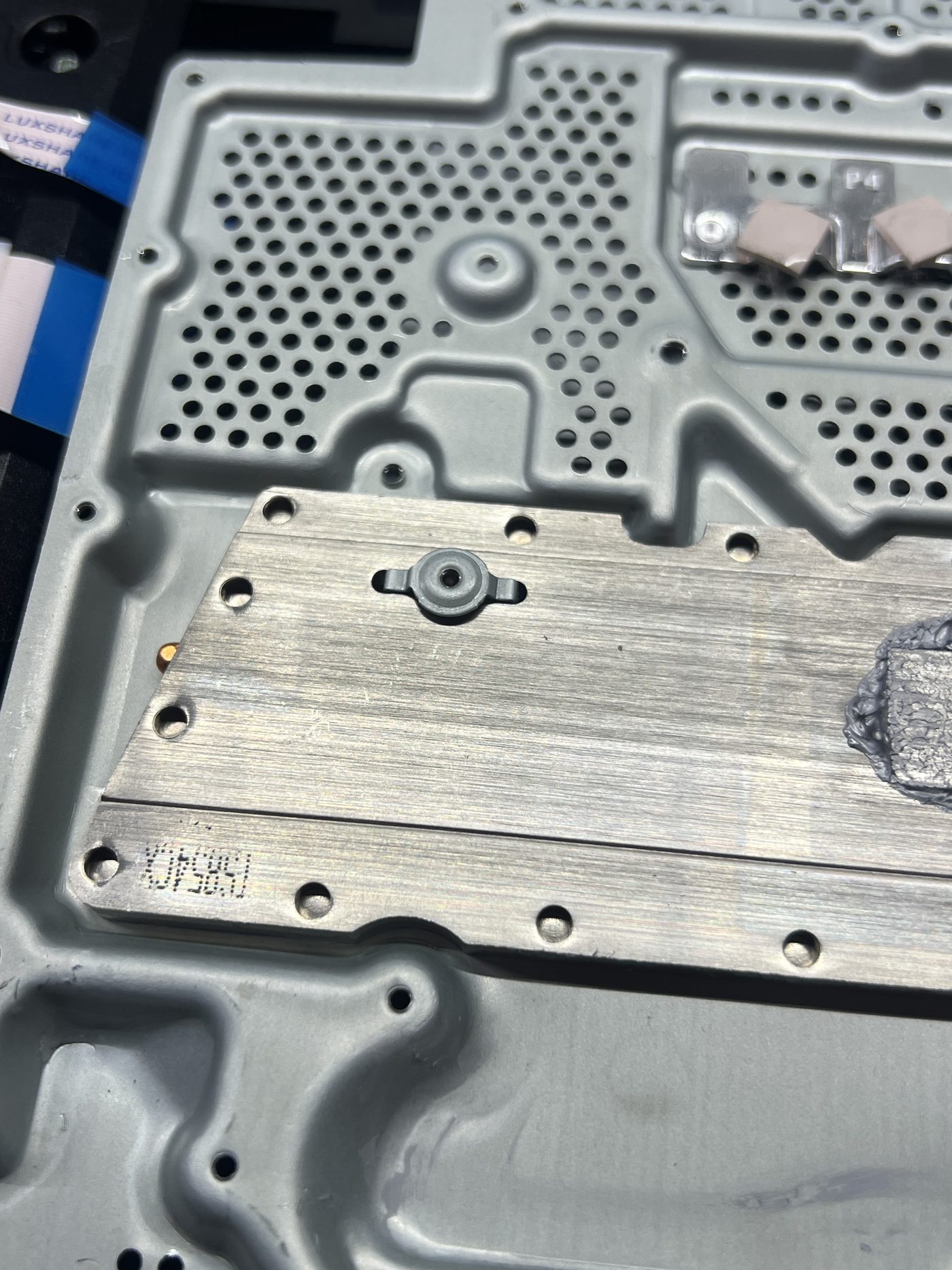
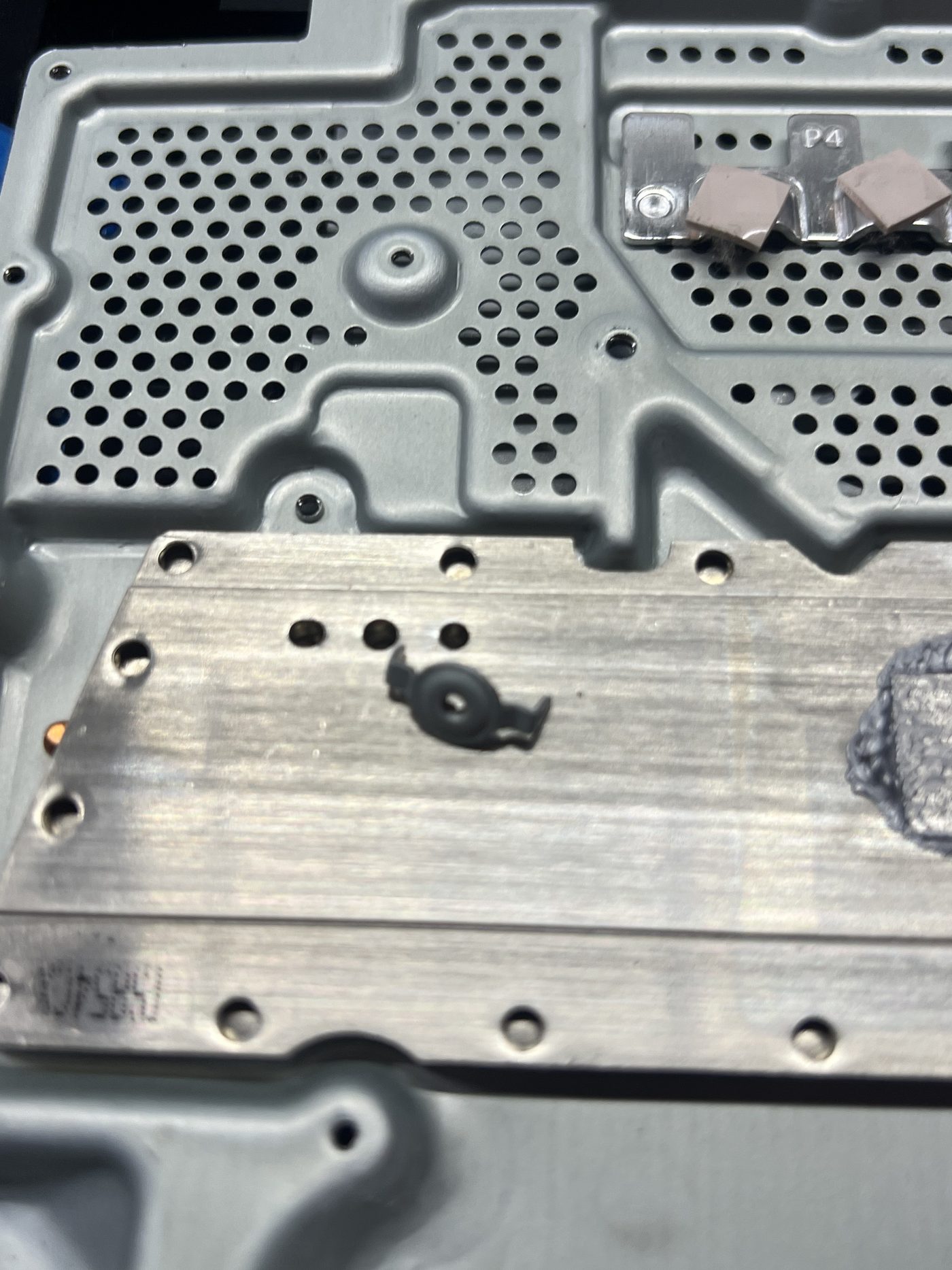
That is a realistic part of electronics repair. Sometimes the difficult part is not identifying the failed component. It is figuring out where the tiny piece that fell out ten minutes ago is supposed to go.
Checking the hard drive
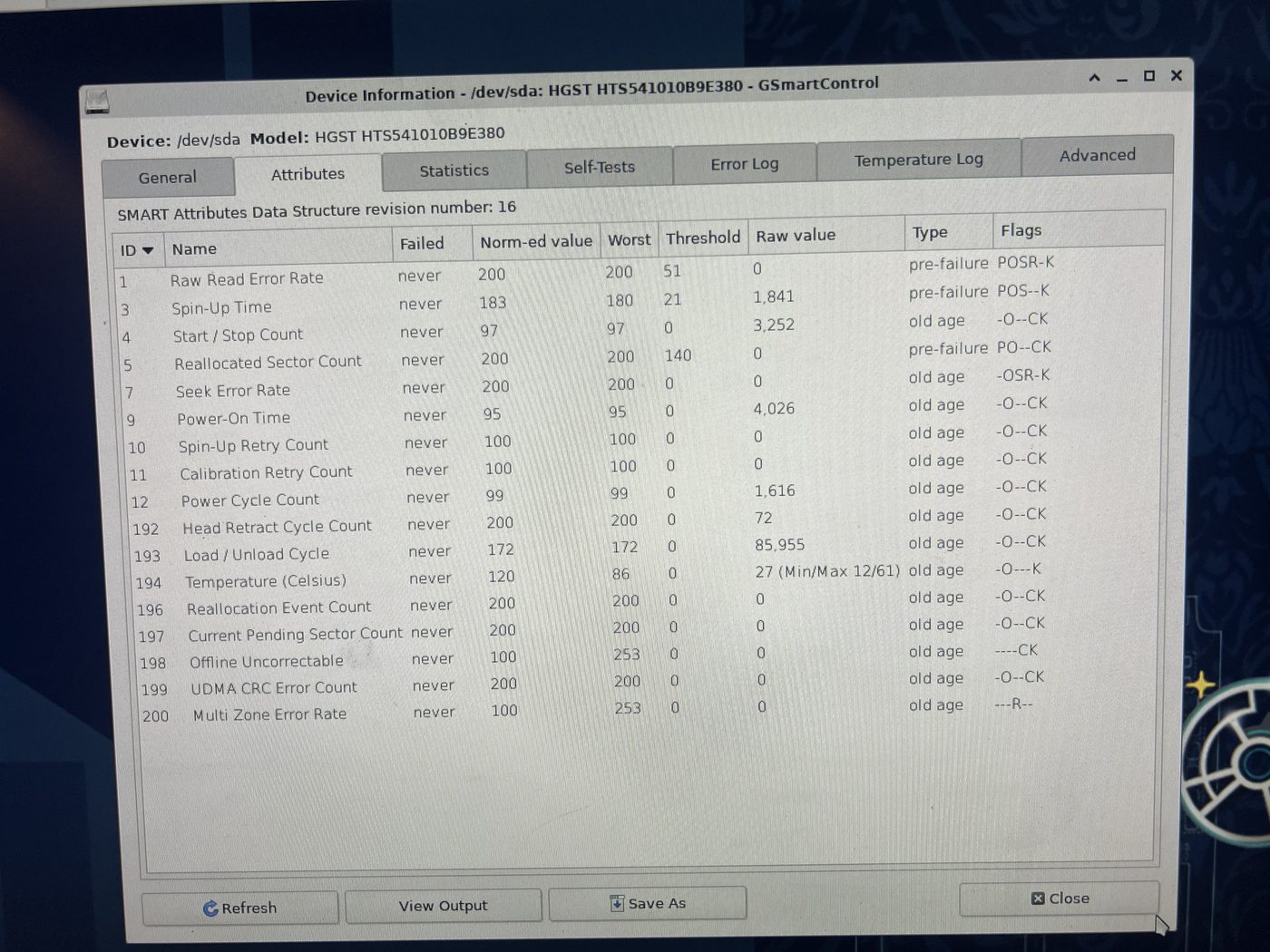
Storage-related problems can occasionally produce symptoms that customers associate with disc drive or general console operation, so the PS4 internal hard drive was also tested.
The drive tested healthy, with no obvious indication that it needed replacement. There is little point replacing parts simply because they are old. If a component tests correctly, it stays in the machine.
Thermal paste replacement
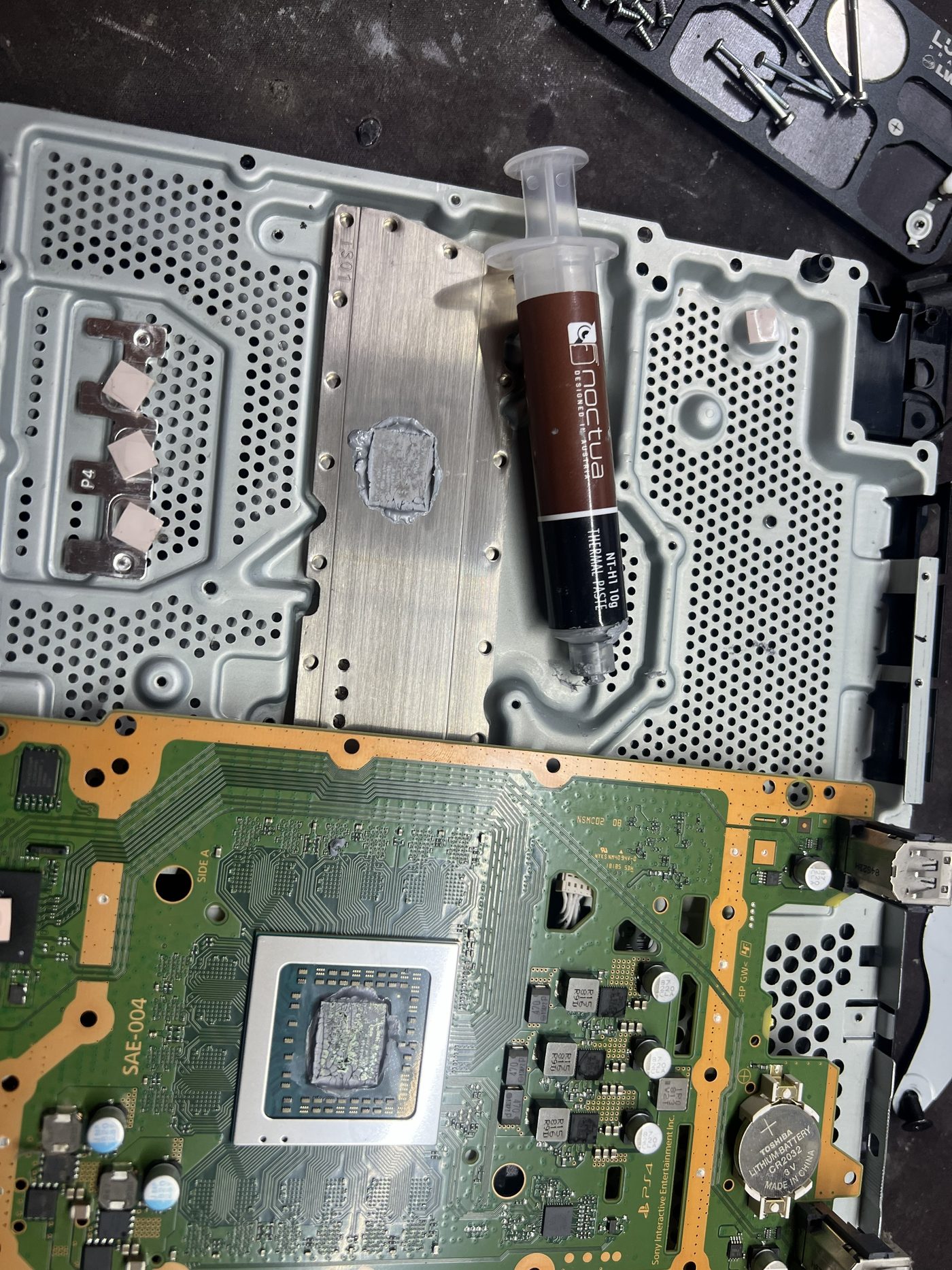
Since the console was already substantially disassembled, the cooling system was serviced as well. The old thermal paste between the APU and heatsink was removed and replaced with fresh compound before reassembly.
Thermal paste deteriorates with age and repeated heat cycles, so replacing it while a console is already apart is sensible preventative maintenance.
Final result
This repair was a good example of why diagnosis should not stop at the first visible problem. The foreign object inside the drive needed to be removed, but it was not the only fault. The console also had a failed laser module.
- Removed the foreign object from the Blu-ray drive.
- Replaced the faulty laser assembly.
- Tested the internal hard drive.
- Replaced the thermal paste.
- Found the home of one tiny mystery part.
- Reassembled and tested the console.
At Repair Lab, we diagnose electronics down to the actual fault rather than automatically replacing complete assemblies.
Job photos