PlayStation service note
PS5 Slim APU cleaning and liquid metal service
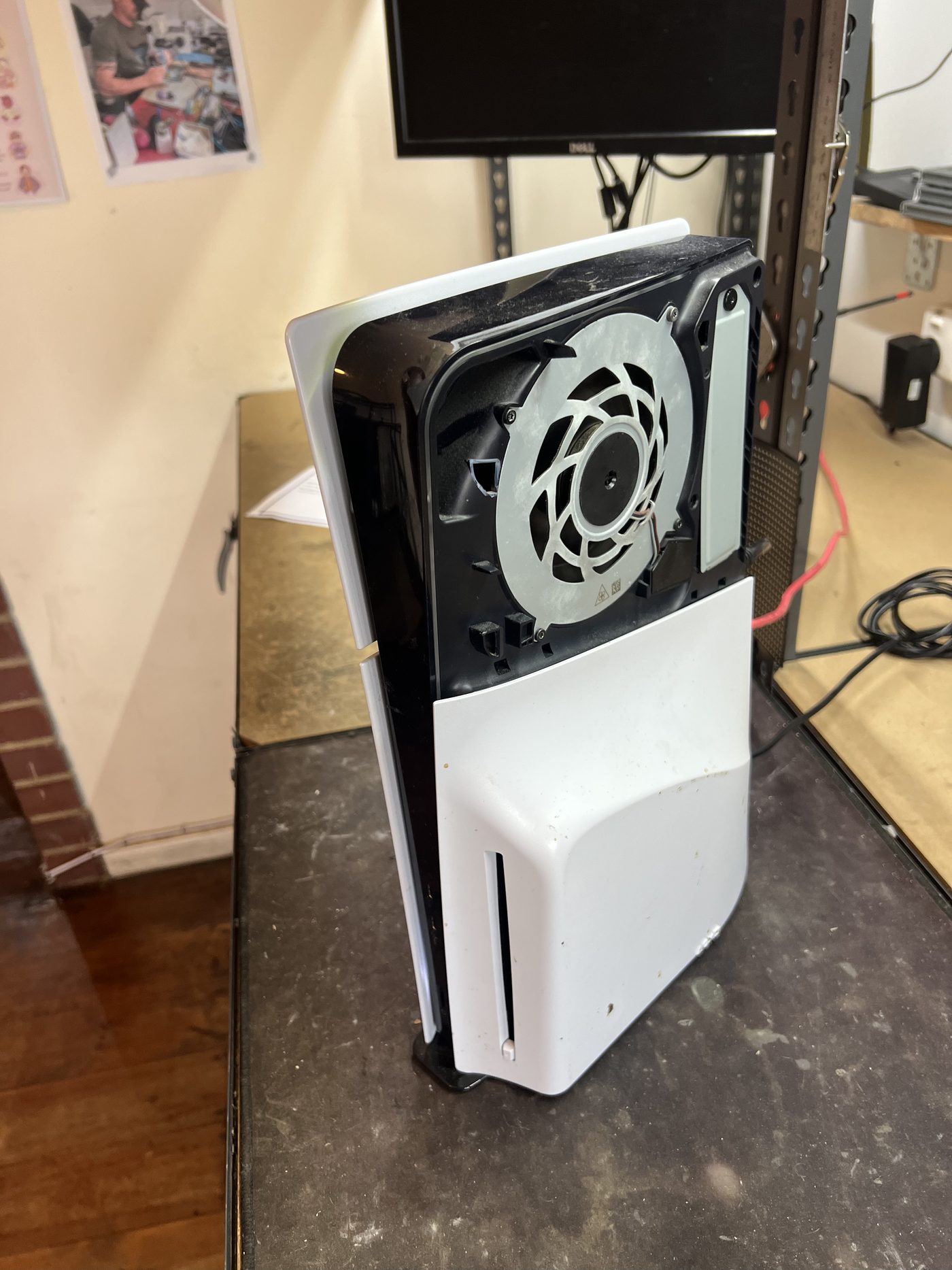
This PS5 Slim came in for a common cleaning service where the motherboard is removed so the APU and heatsink contact surface can be cleaned properly, instead of only blowing dust out through the fan opening.
Why this service is more than a basic dust clean
A quick external clean can help with loose dust, but it does not let you inspect the APU contact area or the liquid metal spread. For this job the console needed to be opened properly, with the motherboard removed from the chassis.
On PS5 consoles the APU uses liquid metal rather than ordinary thermal paste. That can work very well, but it also means the contact patch needs to be treated carefully. The liquid metal must stay controlled around the APU and the heatsink surface needs to be clean enough to make good contact.
The APU before cleaning
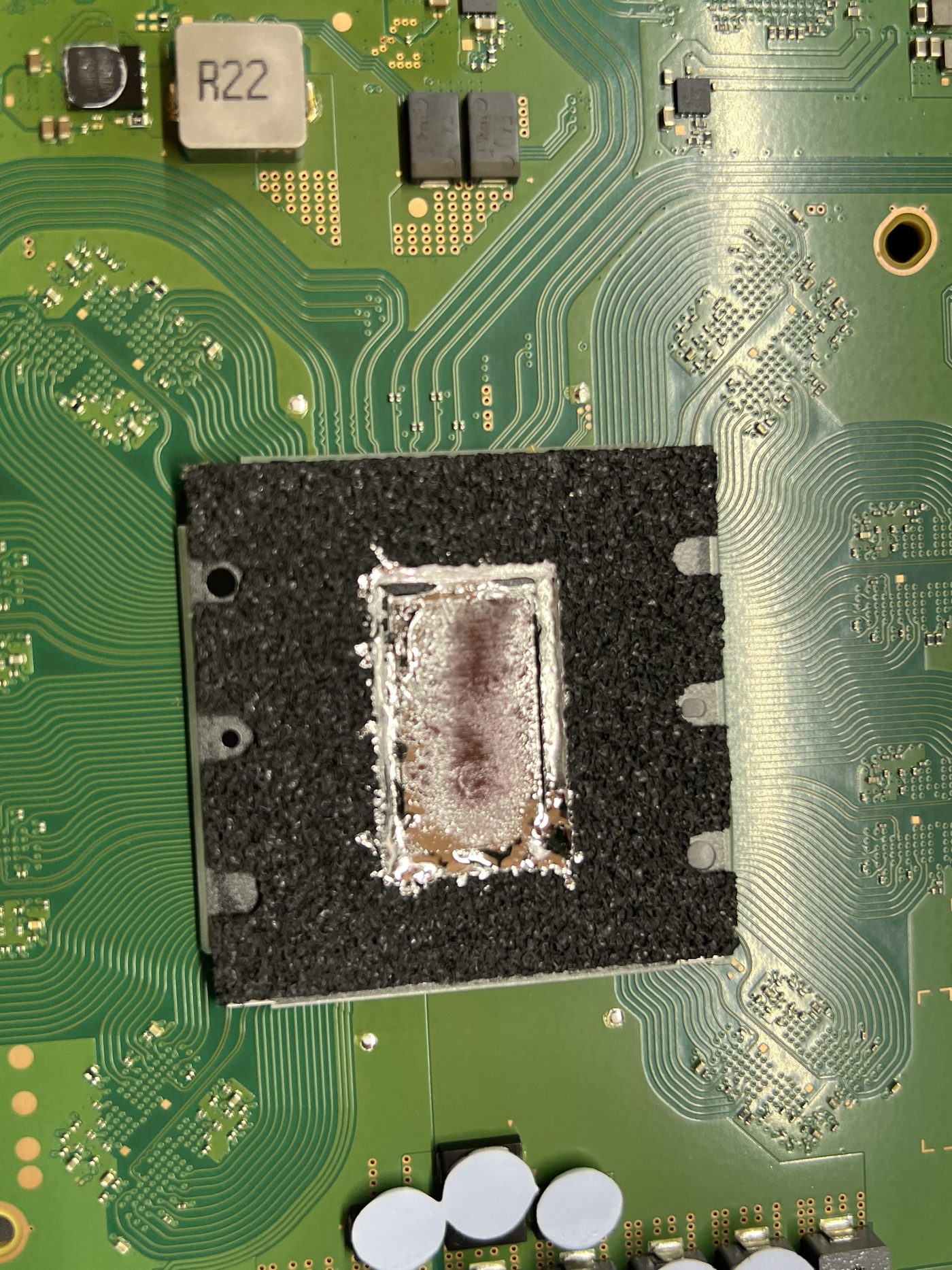
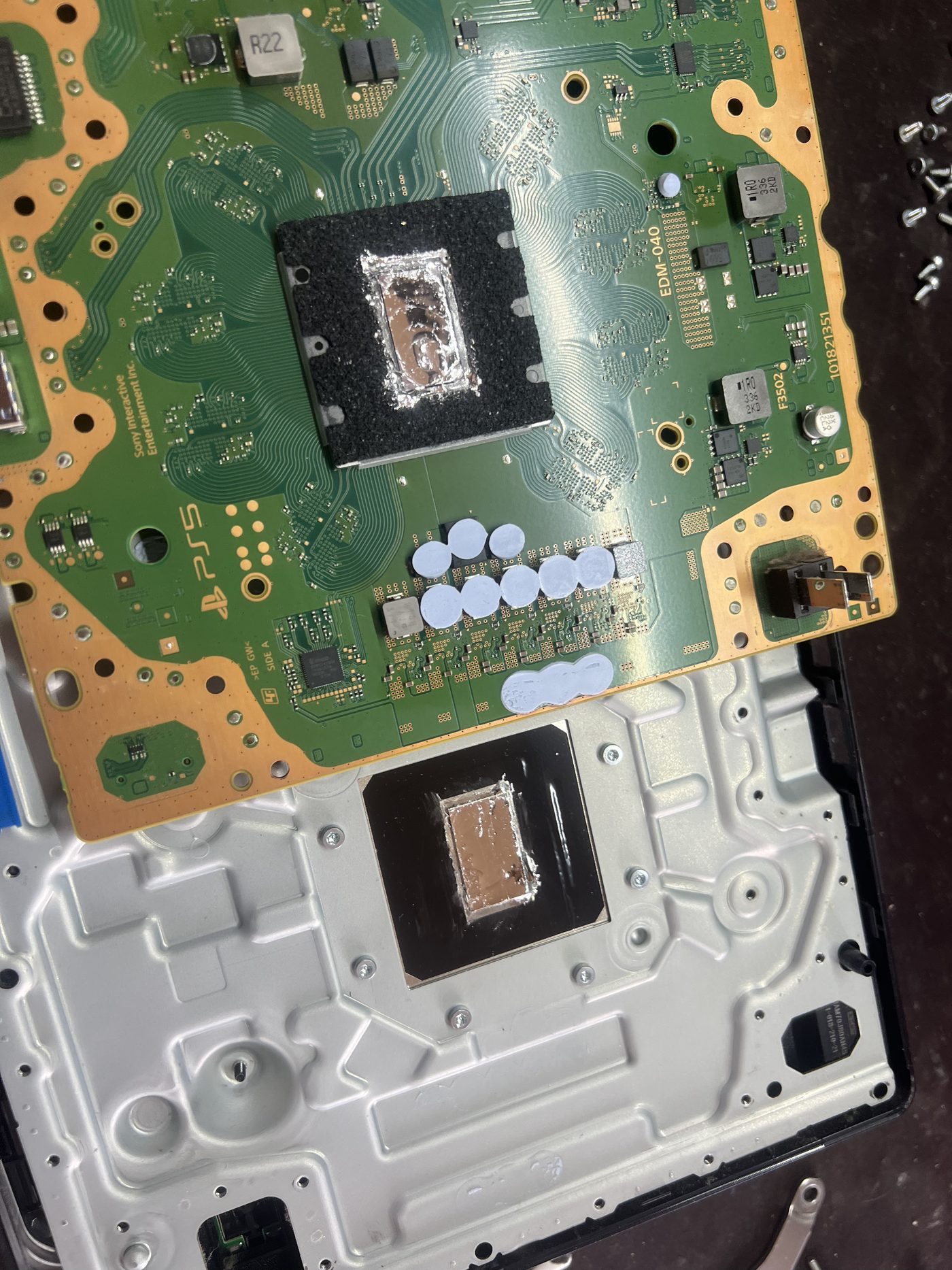
Once the board was removed, the APU area showed dirty and uneven liquid metal residue. This is the part of the job that cannot be judged from the outside of the console.
Checking the heatsink contact area
The matching contact patch on the heatsink also needed attention. This surface is important because it is where heat leaves the APU and moves into the cooling assembly.
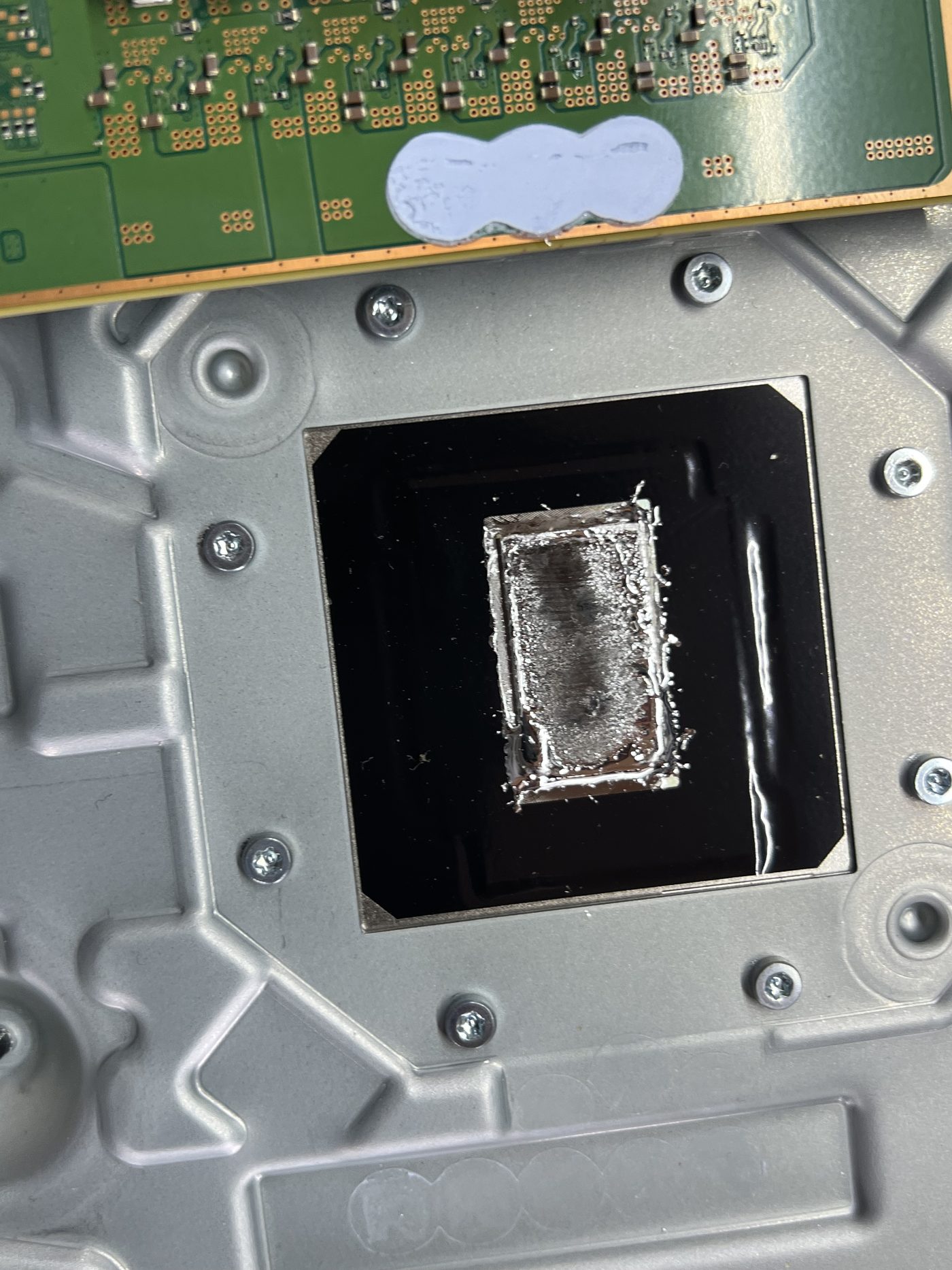
For this type of service we normally clean with Q-tips first. If the heatsink contact area needs more work, a light polish with Scotch-Brite can help clean up the surface. The aim is not to remove unnecessary material. The aim is to leave a clean, even contact surface.
Cleaning process
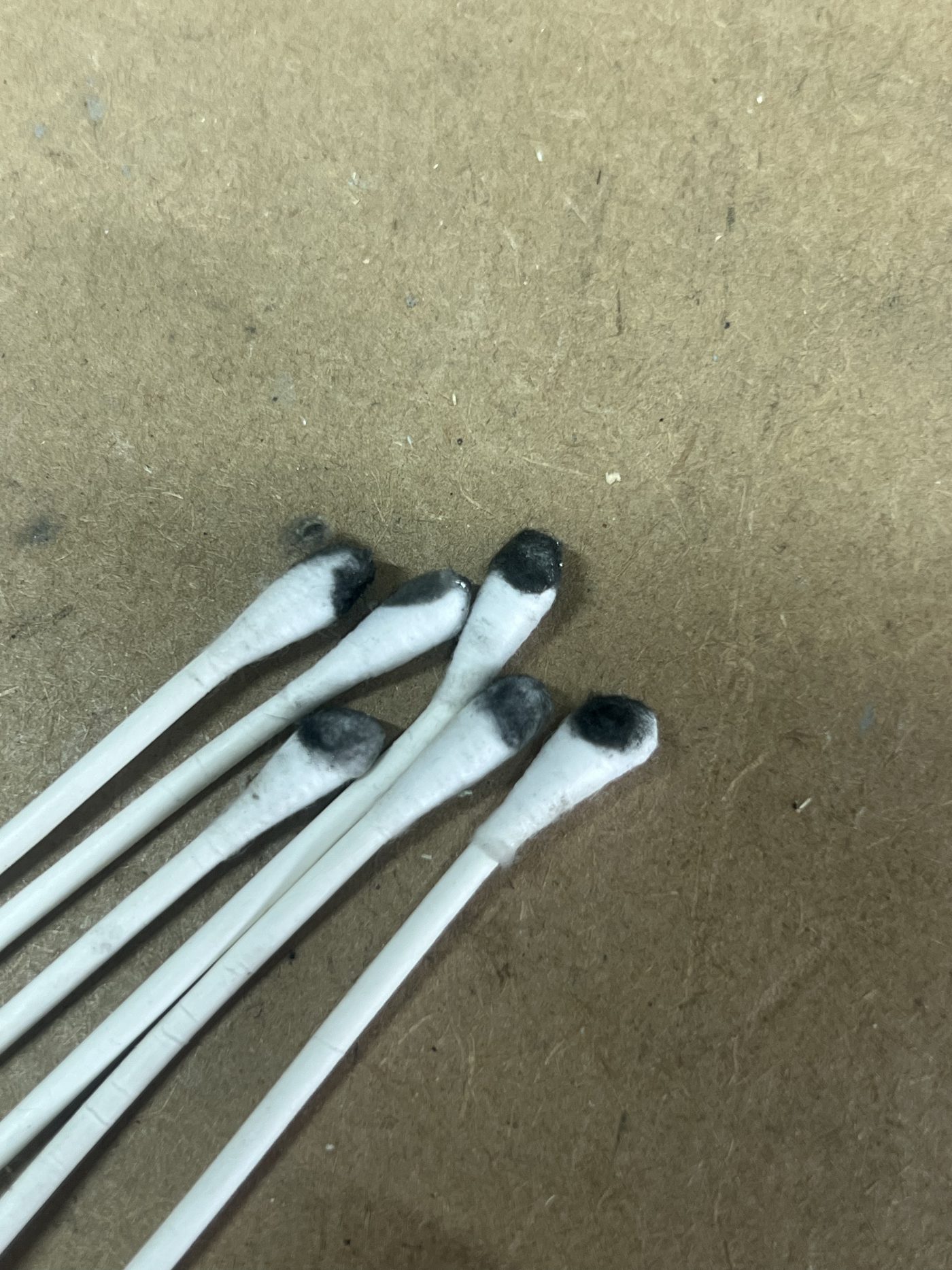
The APU area was cleaned gradually with Q-tips until the loose residue was removed and the contact area was tidy again. This is slow work because liquid metal needs to be controlled and kept away from places it should not be.
- Motherboard removed from the console.
- APU contact area cleaned carefully with Q-tips.
- Liquid metal residue controlled around the APU area.
- Heatsink contact patch inspected and cleaned.
- Surface polished where needed before reassembly.
After cleaning
After cleaning, the APU area was much tidier and ready for the console to be reassembled. This is the point of doing the service properly: the cooling system can only do its job if the important contact surfaces are clean and making good contact.
Why I prefer PS5 consoles laid horizontally
There is ongoing community discussion about PS5 liquid metal, orientation, dry spots, and whether the console has been moved or stored vertically. A useful current discussion is available on the ConsoleRepair subreddit.
My preference for laying a PS5 horizontally is less about blaming every fault on liquid metal and more about keeping the console stable. Many consoles that come across the counter have had a hard life. They get moved between homes, taken to friends houses, set down roughly, and transported with cables still attached.
I often see consoles arrive with the HDMI cable still plugged in and wrapped around the console. That puts pressure on the HDMI port in a way it was never designed to handle. Keeping the console horizontal on a stable surface reduces the chance of it being knocked over, pulled by a cable, or dropped onto a hard bench.
- A horizontal console is harder to knock over during normal use.
- It reduces the chance of cable strain damaging the HDMI port.
- It is more stable when the console is being moved or set down.
- It does not replace proper cleaning or overheating diagnosis.
Liquid metal can shift when the console is handled, opened, or when the metal shield is removed and the surface tension is broken. But in repair work there is usually more going on than liquid metal alone.
Clogged heatsinks, fans covered in dust or smoke residue, blocked ventilation, ignored overheating warnings, and lack of preventative maintenance are all common. I have fixed hundreds of PS5 consoles, and I have never repaired one just by spreading liquid metal back out. There is always a reason to inspect the cooling system properly.
I also own a launch PS5 that has been vertical since new and has never had an issue. So this is not a simple "vertical always breaks consoles" claim. The practical advice is simple: keep the console stable, do not transport it carelessly, do not leave cables pulling on the ports, and service the cooling system before heat problems become board-level failures.